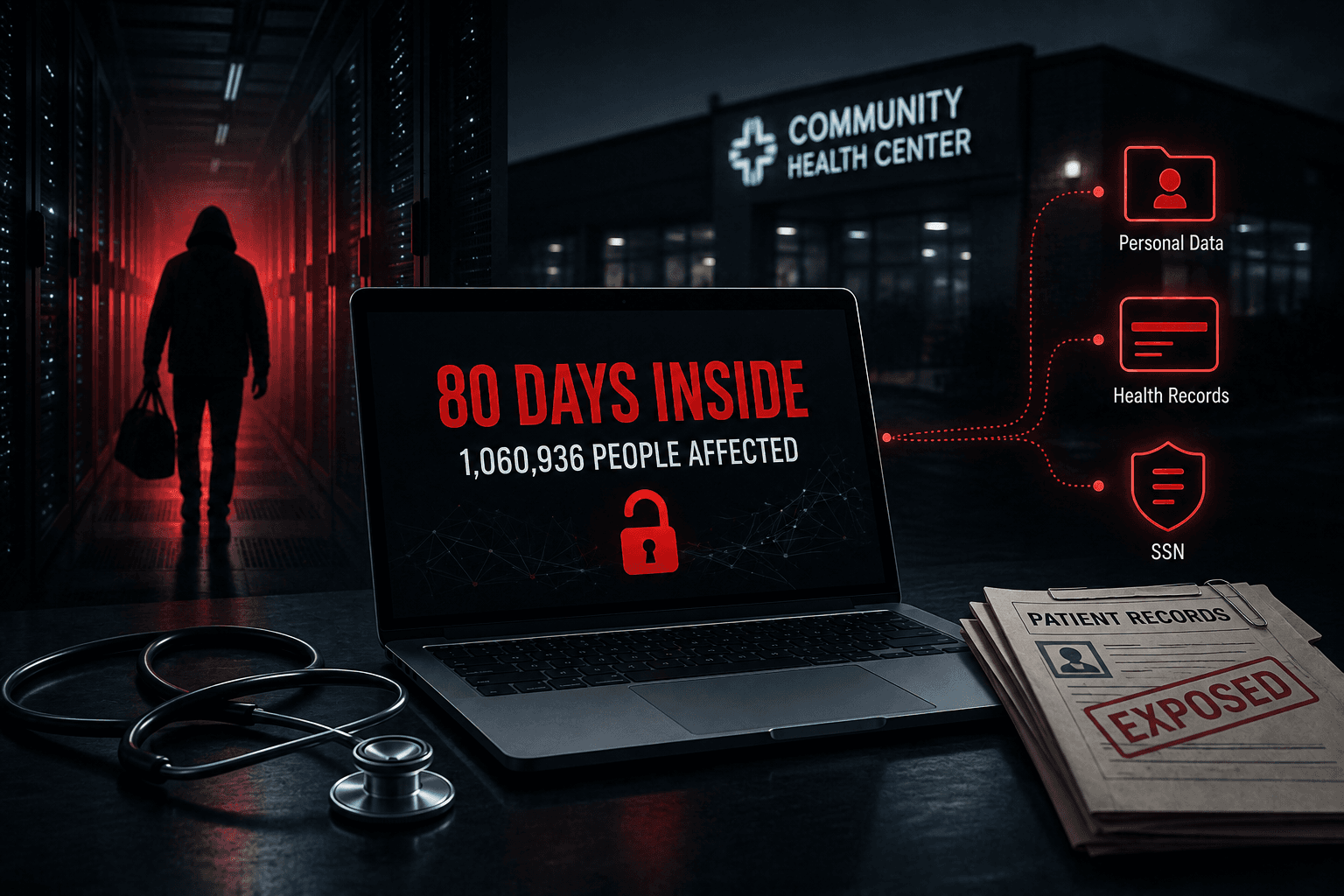
Nothing broke. No systems went down, no files were encrypted, and staff kept seeing patients. Yet CHC reported unauthorized access dating back roughly 80 days before discovery, with data affecting more than one million people potentially accessed or taken.
That is what a quiet breach looks like.
What Happened?
Community Health Center, Inc. (CHC) is a Connecticut healthcare provider. CHC began notifying affected individuals on January 30, 2025, after discovering the incident on January 2. The Maine filing lists 1,060,936 people affected. (Maine)
CHC stated that no data was deleted and no files were encrypted, so daily operations were unaffected. The organisation reported cutting off the attacker's access within hours of detection and notified state regulators, including the Maine and California attorneys general.
How Long Was the Attacker Inside?
- 14 October 2024 — first unauthorised access
- 2 January 2025 — suspicious activity detected
- 30 January 2025 — patient notifications begin
That is roughly 80 days between entry and discovery. CHC said the attacker gained access beginning October 14, 2024, and took data before the activity was discovered on January 2, 2025. CHC has not publicly detailed how the attacker moved inside the environment. (Maine)
What Data Was Exposed?
For patients, the exposed data included names, dates of birth, addresses, phone numbers, email addresses, diagnoses, test results, treatment details, health insurance information, and Social Security numbers.
For people who received COVID-19 testing or vaccination services, the exposed information varied by individual and could include contact details, gender, race, ethnicity, test or vaccine information, insurance details, and in some notice versions Social Security numbers.
CHC offered affected individuals 24 months of free identity theft protection.
Why Does It Matter?
Medical records are attractive because they are complete. A stolen card number can be cancelled. A date of birth, Social Security number, and diagnosis history cannot.
The wider lesson is about detection. The breach was not discovered until about 80 days after the reported initial access date. The incident shows why prevention and detection both matter: stopping initial access is important, but detecting unauthorized activity quickly can limit exposure.
CHC's roughly 80-day access-to-containment timeline was shorter than IBM's 2025 healthcare average of 279 days to identify and contain a breach, though the measurements are not perfectly comparable. IBM reported healthcare had the longest lifecycle among industries studied. (Turn Key Solutions)
What This Breach Shows
- Quiet attacks are the hard ones. No encryption and no outage means no obvious trigger to investigate.
- Dwell time drives impact. Longer unauthorized access can increase the amount of data an attacker has time to discover and take.
- Fast response cannot undo slow detection. Containment within hours followed months of unnoticed access.
- Healthcare data ages slowly. Records taken in 2024 stay useful to a buyer years later.
- Compliance alone is not detection. Healthcare organizations still need effective logging, monitoring, and alerting to identify suspicious internal activity.
How to Reduce the Risk
- Log internal logins and data access centrally, with retention long enough to investigate
- Alert on unusual access volumes, especially bulk reads from clinical or billing systems
- Monitor outbound traffic for large or irregular transfers
- Segment networks so one account cannot reach every record store
- Apply least privilege and review standing access on a set schedule
- Test whether your monitoring actually fires, rather than assuming it will
- Rehearse the response, including notification timelines
What Should Security Testing Cover?
Ask your testers to establish:
- How much patient data one compromised account can reach
- Whether bulk data access raises an alert a person would see
- Whether large outbound transfers would be noticed
- How far an attacker moves from a standard user account
- How long simulated attacker activity runs before anyone responds
How OraSec Can Help
OraSec tests what happens after an attacker gets in. We map internal attack paths, measure what one compromised account reaches, and check whether your monitoring produces an alert anyone acts on. You get a demonstrated path and a realistic view of your detection gap.
Conclusion
The Community Health Center data breach was not a story about a clever exploit. It was a story about time.
Long undetected access gives an attacker more time to discover systems and exfiltrate sensitive data. So ask a harder question than whether you could be breached: if someone were reading patient records inside your network today, how long before anyone noticed?
FAQs
Was this a ransomware attack? CHC stated no files were encrypted, no data was deleted, and daily operations continued. Data was exfiltrated rather than held for ransom.
How many people were affected? 1,060,936 individuals, according to the breach filing.
How did the attacker get in? CHC has not publicly detailed the initial access method.
Why did it take 80 days to detect? CHC has not published a root cause. Broadly, attacks that do not disrupt operations lack the symptoms that usually prompt investigation.
What should affected patients do? Take up the offered identity protection, monitor credit reports and medical statements, and treat unexpected contact about bills or insurance with caution.
Is 80 days a long time to go undetected? It is long enough for significant data exposure, though shorter than the 279-day healthcare average IBM reports for identifying and containing a breach. The two figures are not directly comparable, but both point to detection as an industry-wide gap.