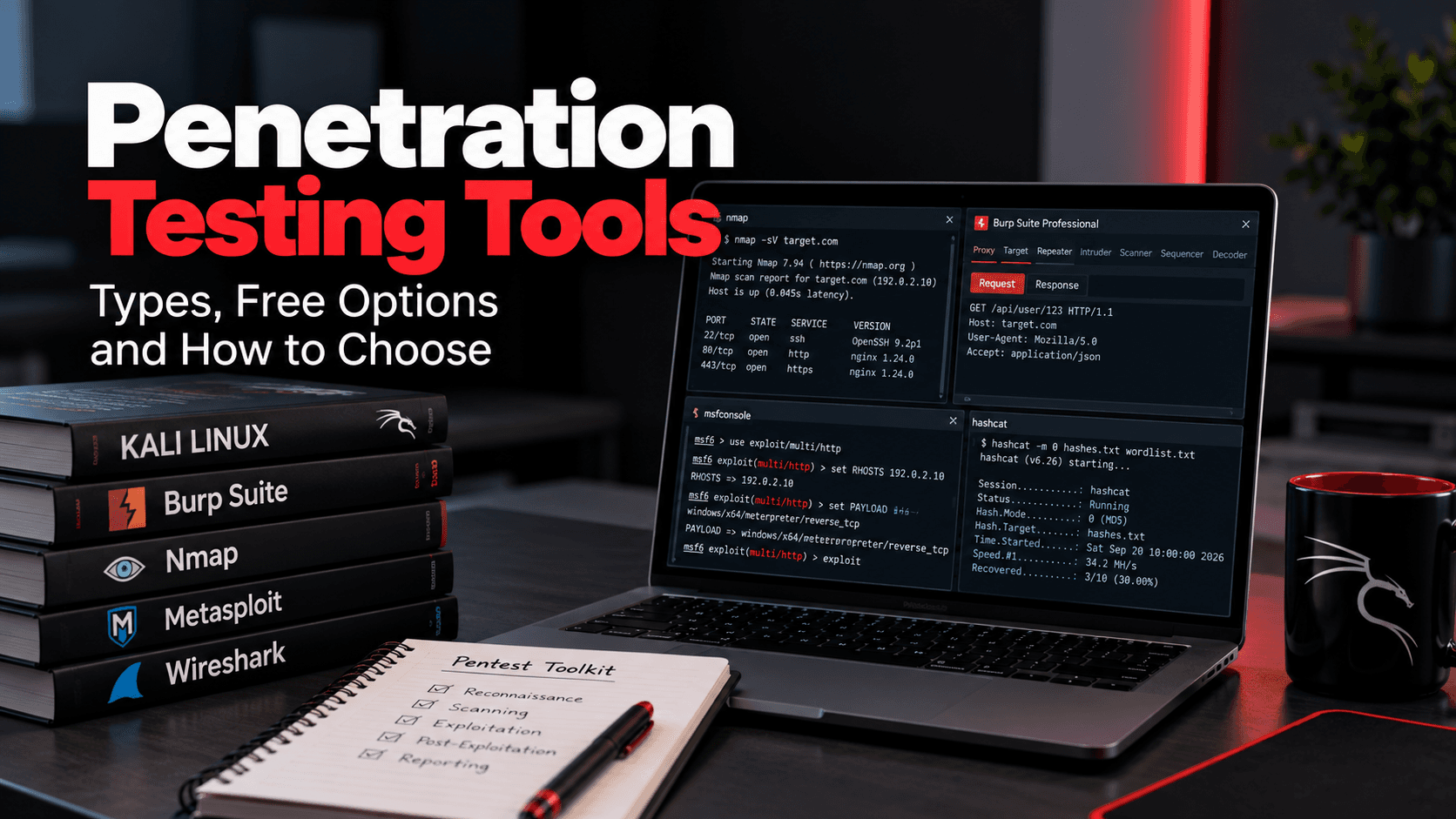
Penetration testing tools are the software testers use to find, confirm, and exploit security weaknesses in networks, applications, APIs, and cloud environments. No single tool covers a full test, so every tester works from a toolkit. A scanner can flag an outdated service in minutes. It takes a person to notice that changing one ID in an API request returns another customer's data, which is what a real penetration test is built to find.
What are the best tools for pentesting?
It depends on the target: Nmap for networks, Burp Suite for web apps, Metasploit for exploitation, BloodHound for Active Directory.
What are the top 10 security testing tools?
Nmap, Wireshark, Burp Suite, ZAP, Metasploit, sqlmap, Nessus, Hashcat, BloodHound, and Nuclei are common choices. There is no official ranking.
What is the best AI tool for pentesting?
No clear winner yet. Burp AI, PentestGPT, and XBOW can speed up work, but findings still need human verification.
What are penetration testing tools used for?
Discovering systems, finding vulnerabilities, confirming exploitability, and showing impact, only on systems the tester is authorized to test.
Are free penetration testing tools effective?
Yes. Nmap, Metasploit Framework, sqlmap, and Hashcat are free and widely used by professional testers.
Key Takeaways
- Real tests rely on a combined toolkit, not one product.
- Many widely used tools are free, but free does not always mean open source.
- Scanners find known issues at scale; manual testing finds logic flaws and attack chains.
- AI-assisted tools speed up testing, but humans still verify the results.
- Use any tool only with written authorization and an agreed scope.
What Are Penetration Testing Tools?
Penetration testing tools help an authorized tester simulate a real attack. Some are automated scanners. Others are manual, like a proxy where the tester edits each request. Most tools map to a phase of the test, from reconnaissance to post-exploitation, the sequence our penetration testing methodology guide lays out. Attackers have the same tools. What separates a test from an attack is written authorization, an agreed scope, and compliance with applicable laws and contracts.
Why Do Penetration Testers Use Multiple Tools?
Each tool does one job, and a real test involves many. A web application test might use Burp Suite for access control, sqlmap for injection, and ffuf for hidden endpoints. Multiple tools also help with:
- Coverage: different scanners detect different issues.
- Verification: findings are checked with a second tool or by hand.
- Different targets: Windows domains, cloud, APIs, and Wi-Fi each need their own tooling.
- Gaps: when no tool fits, testers write a short script.
Types of Penetration Testing Tools
Network Penetration Testing Tools
Network testing starts by mapping what is reachable, then checking those services against known issues. It is usually the first layer of an internal network penetration test, run from outside the perimeter and again from inside once a foothold exists. The core toolkit here is small and has stayed stable for years.
- Nmap — host discovery and service detection.
- Masscan — scanning very large IP ranges quickly.
- Wireshark — decoding traffic to spot cleartext credentials and legacy protocols.
- Nessus / OpenVAS — checking services against known vulnerabilities.
Web Application Penetration Testing Tools
Web testing centers on an intercepting proxy, with specialist tools arranged around it. Scanners clear the repetitive checks quickly, but business logic and broken access control still need manual work, which is the heart of web application security testing.
- Burp Suite / ZAP — intercepting proxy and core web testing.
- sqlmap — confirming SQL injection.
- ffuf — discovering hidden content and endpoints.
- Nuclei — template-based vulnerability checks.
API Penetration Testing Tools
API testing reuses the web proxies, plus tools built for endpoints and roles. The most serious API flaws are usually authorization issues rather than injection, so API security testing leans on manual checks that replay requests across different user accounts.
- Burp Suite / ZAP — import OpenAPI definitions and test endpoints.
- Postman — replay requests across different user roles.
- Kiterunner — find undocumented endpoints.
Password and Credential Testing Tools
Credential testing splits between cracking captured hashes offline and guessing live logins online. Offline cracking is safe to run hard, but online techniques carry real risk, so agree on lockout thresholds before any spraying. A careless run can lock out real accounts across the domain.
- Hashcat / John the Ripper — crack captured hashes offline.
- Hydra — test login services online.
- NetExec — password spraying on Windows networks.
- Responder — capture NetNTLM challenge-response data on susceptible internal networks.
Wireless Penetration Testing Tools
Wireless tools cover packet capture, network discovery, and enterprise Wi-Fi checks. WPA3 needs a different approach, since WPA3-SAE resists conventional offline guessing. But an evil twin access point can still capture WPA2-Enterprise authentication from laptops that do not validate the network certificate, which a tester then cracks offline.
- Aircrack-ng — packet capture and WEP/WPA/WPA2-PSK testing.
- Kismet — discovering and monitoring networks and access points.
- EAPHammer — testing whether enterprise devices validate the network's certificate.
Exploitation and Post-Exploitation Tools
Once a foothold exists, these tools confirm impact and map the path forward. In Windows networks the focus is Active Directory, where a chain of small misconfigurations often leads to Domain Admin, and red teams may add command-and-control frameworks such as Sliver or Cobalt Strike during red team engagements.
- Metasploit — widely used exploitation framework.
- BloodHound — map attack paths to privileged accounts.
- Impacket — work with Windows protocols.
- Certipy — test AD CS template misconfigurations, common in Active Directory penetration testing.
Best Free Penetration Testing Tools
Widely used free options include:
- Nmap: free network scanning under the Nmap Public Source License.
- Wireshark: free, open-source packet analysis.
- Burp Suite Community Edition: free but proprietary, with the proxy, Repeater, and a demo version of Intruder.
- ZAP: free and open source, branded ZAP by Checkmarx since 2024, still under Apache 2.0.
- Metasploit Framework: the open-source edition. Metasploit Pro is Rapid7's commercial edition.
- sqlmap, Hashcat, and John the Ripper: free SQL injection and password cracking tools.
- BloodHound Community Edition: free, open-source attack path mapping for Active Directory and Azure.
Some free editions have tight limits. Tenable's Nessus Essentials, for example, is a 30-day, non-commercial license that scans up to 5 IPs. We compare free and paid scanners in our guide to vulnerability management tools.
Penetration Testing Tools Comparison
Editions reflect each vendor's pages as of October 2026.
Tool | Category | Main Use | Free or Paid | Best For |
|---|---|---|---|---|
Nmap | Network | Host, port, and service discovery | Free | Mapping the attack surface |
Wireshark | Network | Packet capture and analysis | Free, open source | Spotting cleartext data |
Nessus | Vulnerability scanning | Known vulnerability checks | Paid Professional; limited free Essentials | Broad known-issue coverage |
Burp Suite | Web and API | Intercepting proxy and web testing | Free Community; paid Professional | Manual web and API testing |
ZAP | Web and API | Proxy and web scanning | Free, open source | Web scanning and CI/CD use |
sqlmap | Web | SQL injection testing | Free, open source | Confirming injection findings |
Metasploit | Exploitation | Exploits and payloads | Free Framework; paid Pro | Confirming exploitability |
BloodHound | Active Directory | Attack path mapping | Free Community; paid Enterprise | Internal and AD testing |
Impacket | Active Directory | Windows protocol attacks | Free, open source | Credential and lateral movement tests |
Hashcat | Passwords | Offline hash cracking | Free, open source | Testing password strength |
Aircrack-ng | Wireless | WEP/WPA/WPA2-PSK testing | Free, open source | Wireless assessments |
Nuclei | Vulnerability scanning | Template-based checks | Free, open source | Fast checks at scale |
Free vs Commercial Penetration Testing Tools
Free tools are not a lesser option. Commercial tools mainly save time through built-in scanning, reporting, support, and integrations. According to PortSwigger, the web vulnerability scanner, full Intruder, saved project files, and Burp Collaborator are only in Burp Suite Professional. Always check the license, since some free editions are non-commercial only.
Aspect | Free Tools | Commercial Tools |
|---|---|---|
Cost | No license fee | Subscription or license fee |
Features | Often focused on one task | Often broader, with automation built in |
Usage limits | Some limit features, targets, or commercial use | Full features within license terms |
Reporting | Basic or none | Usually built-in reports and exports |
Support | Community forums and documentation | Vendor support |
Transparency | Some are open source; free proprietary editions may be closed source | Often closed source, although exceptions exist |
Best fit | Learning, targeted tasks, custom workflows, and professional testing | Recurring workflows that need integrated automation, reporting, and support |
Also Read: DAST vs penetration testing.
Manual vs Automated Penetration Testing Tools
Automated tools such as Nessus, Nuclei, and the Burp and ZAP scanners run checks at scale. They quickly find missing patches, default credentials, and common misconfigurations. Manual tools such as Burp Repeater or a custom script put the tester in control of each step. They are slower but find logic flaws, broken access control, and attack chains.
Aspect | Manual Tools | Automated Tools |
|---|---|---|
Speed | Slower, one request at a time | Fast across large scopes |
Finds | Logic flaws, access control issues, attack chains | Known vulnerabilities and misconfigurations |
False positives | Lower, since the tester confirms each result | Higher, so results need verification |
Skill needed | High | Lower to run, higher to interpret |
Examples | Burp Repeater, Impacket, custom scripts | Nessus, Nuclei, Burp and ZAP scanners |
Penetration Testing Tools vs Vulnerability Scanners
A vulnerability scanner is one tool in a tester's kit, not a replacement for the test. A scanner reports that something may be vulnerable. A penetration test confirms whether it can be exploited and what an attacker could reach from there.
Helpful for you: Penetration testing vs vulnerability scanning
Aspect | Penetration Testing Tools | Vulnerability Scanners |
|---|---|---|
Purpose | Find, confirm, and exploit weaknesses | Identify possible known weaknesses |
Operation | Mostly driven by a tester | Mostly automated |
Output | Proof of exploitation and attack paths | Potential issues with severity ratings |
Depth | Follows a finding as far as scope allows | Identifies known issues and may validate single findings, but generally doesn't assess full attack chains |
Frequency | Periodic or after major changes | Often weekly, monthly, or continuous |
Examples | Burp Suite, Metasploit, BloodHound, Impacket | Nessus, OpenVAS, Qualys, Nuclei |
Key Features to Look for in Penetration Testing Tools
- Accurate results: low false positives and clear evidence.
- Traffic control: throttling and host exclusions to protect production.
- Target coverage: support for the protocols and platforms you run.
- Authenticated testing: testing as different user roles.
- Active maintenance: regular updates and current checks.
- Extensibility: scripting, plugins, or APIs for custom checks.
- Reporting: logs and exports that make findings reproducible.
- Clear licensing: terms that allow your intended use.
How to Choose the Right Penetration Testing Tool
- Start with the target. List what's in scope first, since web apps, Active Directory, and Wi-Fi need different tools.
- Match the goal. Scanners give broad coverage. Proving impact or finding logic flaws needs manual tools.
- Be honest about skill. A powerful tool in inexperienced hands produces noise or outages.
- Check the license and budget. Confirm a free edition allows your use case. A commercial tool that saves hours often pays for itself.
- Test it safely first. Try new tools in a lab before production.
- Keep authorization in place. Use tools only within written authorization and agreed scope.
Must Read: How to prepare your organization for a pentest
Limitations of Penetration Testing Tools
- False positives: scanners often flag issues that aren't exploitable in context.
- False negatives: tools can miss business logic and authorization flaws.
- No business context: a tool doesn't know which data matters most.
- Risk to production: aggressive scans and some exploits can lock accounts or crash services.
- Point-in-time results: a clean scan reflects the day it ran.
- Configuration matters: an unauthenticated scan mostly sees the login page.
What Years of Hands-On Testing Show
After years of running these tools on real systems, the same lesson keeps repeating: tools find patterns, testers find meaning. On a hotel booking platform we assessed, a tester used Burp Suite to intercept a request to a loyalty page, changed the member_id value, and received another customer's profile. Because the IDs were sequential, up to 2.7 million customer records could have been exposed. The tool sent the request; the tester decided what to change.
That flaw is broken object level authorization, the number one risk in the OWASP API Security Top 10. No scanner would have understood that member_id 1044 belonged to someone else, because the request looked completely normal. AI is starting to help here, and AI systems have climbed public bug-bounty leaderboards, but their findings still pass through a person before they count. For now, the strongest results come from skilled testers with tools in hand, not tools alone.
How OraSec Can Help
At OraSec, tools are where testing starts, not where it ends. We use automated scanning for coverage, then our testers work through your applications, APIs, networks, cloud, and Active Directory by hand to confirm what is exploitable. Each report includes evidence, business impact, and fixes, and we retest once they're in. See how this works in our vulnerability assessment and penetration testing service.
The team's own research has produced published CVEs (CVE-2025-50847 through CVE-2025-50850).
Conclusion
Penetration testing tools make testers faster, and many of the best are free. Commercial and AI-assisted tools add speed, but none of them decides what a finding means for your business. Match the toolkit to your targets, use people who understand the results, and test only authorized systems. To learn what a skilled tester could find in your environment, talk to our team.
Frequently Asked Questions
Is it legal to use penetration testing tools?
Yes, on systems you own or are authorized to test. Unauthorized use can break laws such as the Computer Fraud and Abuse Act.
Is Kali Linux a penetration testing tool?
Kali Linux is a free, Offensive Security-maintained operating system that bundles hundreds of security tools. It is a platform, not a tool.
Is Burp Suite Community Edition enough for web application testing?
It works for learning and small manual tests. Professional adds the scanner, full Intruder, saved projects, and Burp Collaborator.
Can penetration testing tools damage production systems?
They can if used carelessly, so testers throttle traffic, avoid destructive checks, and agree on testing windows.
Which tools are used for cloud penetration testing?
ScoutSuite and Prowler review cloud configurations, and Pacu tests AWS, within each provider's published testing policy.
Can we run penetration testing tools ourselves instead of hiring a tester?
Yes, regular scanning helps. Independent testers add manual depth, and PCI DSS requires a qualified tester with organizational independence from the systems tested.