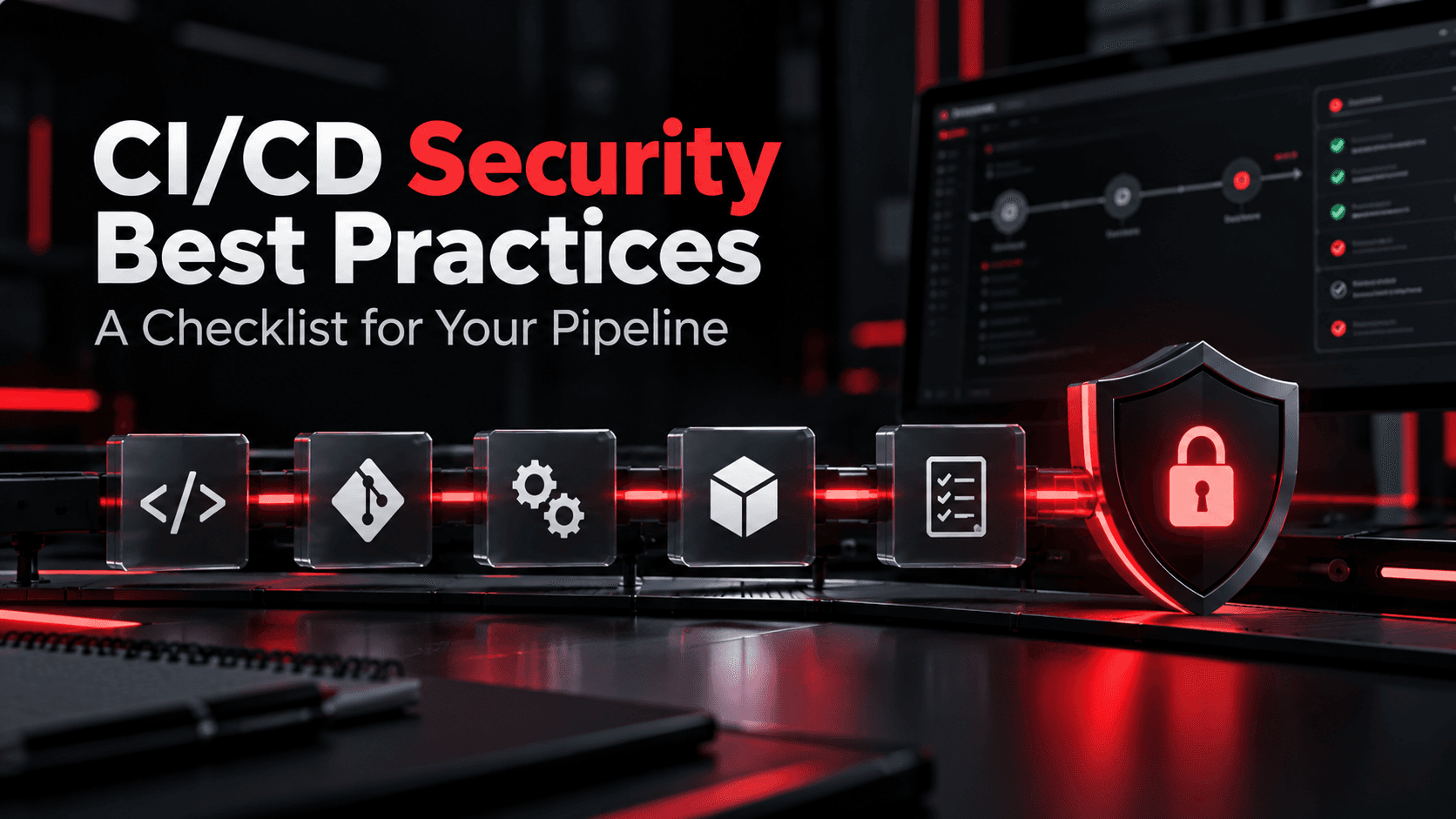
CI/CD security best practices protect the system that builds and ships your code. Your pipeline holds cloud keys, signing certificates, and write access to production, which makes it one of the most valuable targets an attacker can reach. One leaked token or poisoned dependency can push malicious code to every customer. This checklist covers 12 controls to put in place, the real breaches behind them, and how to test whether they hold.
What is CI/CD security?
The controls that protect your build and deployment pipeline, from code commit to production, against tampering and credential theft.
Why do attackers target CI/CD pipelines?
Pipelines hold secrets and production access, so one compromise can reach every environment and every customer.
What is the biggest CI/CD security risk?
Leaked secrets and over-privileged pipeline credentials, because they turn one small mistake into full production access.
How often should you audit your pipeline?
Review access every quarter, and pentest the pipeline yearly or after major tooling changes.
Key Takeaways
- Treat your pipeline as production infrastructure. It has more access than most of your servers.
- Secrets are the main prize. Short-lived tokens and secret scanning remove most of the risk.
- Pin third-party actions and dependencies to exact commit hashes. Version tags can be rewritten, as the 2025 tj-actions attack showed.
- No single person or job should be able to push code to production without review.
- Pipelines need their own testing. Code scanners don't check who can change the pipeline itself.
The CI/CD Security Checklist: 12 Best Practices
The items below follow the OWASP Top 10 CI/CD Security Risks, which groups pipeline threats into ten categories, from weak flow control to poor logging. Work through them in order: the first few close the most common paths in.
1. Protect the Source Code Repository
Your repository is the front door to the pipeline, because whatever lands on the main branch gets built and shipped. Turn on branch protection for main and release branches, require at least one approving review from someone other than the author, and block force pushes. Require status checks to pass before merging. For sensitive repos, add signed commits so you can prove who wrote each change. Without these rules, one compromised developer account can push code straight to production.
2. Lock Down Pipeline Identities and Access
Every person, bot, and service account with access to your CI/CD platform is a way in. Enforce SSO and MFA for all human users, and review who holds admin rights every quarter. Remove accounts for people who have left and bots nobody owns. Developer machines matter too, since attackers increasingly steal access through malicious VS Code extensions and other IDE plugins. Give each pipeline job only the permissions it needs, and set the default GITHUB_TOKEN (or your platform's equivalent) to read-only.
3. Keep Secrets Out of Code and Logs
Hardcoded API keys and passwords are still one of the most common pipeline findings. Store every secret in your CI platform's secret store or a dedicated manager like HashiCorp Vault or AWS Secrets Manager. Run secret scanning, such as Gitleaks or GitHub secret scanning, on every commit and across your full git history. Make sure secrets are masked in build logs, and never echo environment variables during debugging. A single leaked GitHub token can be enough to reach internal systems, so rotate any secret that has ever touched a log or a commit.
4. Replace Long-Lived Credentials With Short-Lived Tokens
Static cloud keys stored in the pipeline stay valid for months or years, and anyone who steals one can use it from anywhere. Most CI platforms now support OpenID Connect (OIDC), which lets a job request a short-lived token from AWS, Azure, or GCP at run time. The token expires in minutes and can be locked to a specific repository, branch, or environment. Pair this with tightly scoped cloud roles, so a build job can deploy one service and nothing else. A cloud security assessment will show whether your deploy roles are broader than they should be.
5. Pin Third-Party Actions and Dependencies
Most pipelines run code you didn't write: GitHub Actions, CircleCI orbs, plugins, and package dependencies. Referencing an action by a version tag like @v4 means you run whatever that tag points to today. In March 2025, attackers rewrote the version tags of the popular tj-actions/changed-files action so that more than 23,000 repositories ran code that printed their secrets into build logs. Pin actions to a full commit SHA instead, use lockfiles for dependencies, and keep an allow-list of approved third-party actions. Tools like Dependabot or Renovate can keep pinned versions up to date safely.
6. Prevent Poisoned Pipeline Execution
Poisoned pipeline execution (PPE) happens when an attacker changes the pipeline's own instructions, often through a pull request that edits a workflow file, build script, or Makefile. If your pipeline runs that code with access to secrets, the attacker gets the secrets. Never run untrusted pull requests from forks with secrets or write permissions. Be careful with triggers like pull_request_target in GitHub Actions, which run with elevated access. Require a maintainer's approval before workflows run for first-time or outside contributors, and protect workflow files with code owners.
7. Isolate and Harden Build Runners
Build runners execute untrusted code by design, so treat them as hostile. Use ephemeral runners that are destroyed after every job, so one build can't leave anything behind for the next. Never attach self-hosted runners to public repositories. Run builds as a non-root user, restrict outbound network access to the registries and services the build actually needs, and keep runners off the same network segment as production systems. Patch runner images on a schedule, like any other server.
8. Scan Code, Dependencies, and Containers in Every Build
Automated checks catch known problems early, while they're still cheap to fix. Run static analysis (SAST) on your code, software composition analysis (SCA) on open-source dependencies, infrastructure-as-code scanning on Terraform or Kubernetes files, and image scanning on containers. Set clear rules: fail the build on critical findings, and track the rest in your issue tracker. Keep the signal clean by tuning out false positives, or developers will learn to ignore the results.
9. Sign and Verify Build Artifacts
If an attacker can swap a build artifact after it's created, every other control upstream is wasted. Sign container images and release packages with a tool like Sigstore Cosign, and verify the signature before deployment. Generate a software bill of materials (SBOM) for each release, so you know exactly what's inside when a new CVE drops. Frameworks like SLSA describe how to record build provenance, which proves where and how an artifact was built.
10. Separate Environments and Gate Production Deployments
Development, staging, and production should each have their own credentials, and a staging job should never be able to reach production. That separation matters because attackers often target non-production environments first, where controls are weaker. Use environment protection rules so production deploys need approval from a named person, and limit which branches can deploy there. Keep a fast, documented rollback for when a bad release slips through.
11. Log Pipeline Activity and Alert on Anomalies
Many pipeline compromises go unnoticed for weeks because nobody watches the CI/CD system. Send audit logs from your source control and CI platforms to your SIEM, and keep them long enough to investigate. Alert on high-risk events: changes to branch protection, new admin users, new secrets, workflow file edits, runs from unusual branches, and outbound traffic to unknown domains. Retain build logs too, since they show exactly what each job did.
12. Test the Pipeline Like an Attacker Would
Policies on paper don't prove the pipeline is safe. A penetration test or red team exercise checks what an attacker could actually do with a stolen developer account, a malicious pull request, or access to one runner. Testers look for secrets in logs and history, over-privileged tokens, unpinned actions, and paths from CI into production. Run this kind of test after major tooling changes and at least once a year.
What Real CI/CD Attacks Teach Us
Each of these well-known incidents maps to a gap the checklist closes.
Incident | What happened | Checklist items that would have helped |
|---|---|---|
SolarWinds (2020) | Attackers got into the build system and slipped a backdoor into signed Orion updates sent to thousands of customers. | 7 (harden runners), 9 (verify artifacts), 11 (logging) |
Codecov (2021) | A modified upload script ran in customers' CI jobs for about two months and sent their environment variables, including secrets, to the attacker. | 3 (secrets), 4 (short-lived tokens), 5 (pin and verify third-party code) |
CircleCI (2023) | Malware on an engineer's laptop stole a valid session, and CircleCI told every customer to rotate all secrets stored on the platform. | 2 (identity and devices), 4 (short-lived tokens) |
tj-actions/changed-files (2025) | Rewritten version tags made 23,000+ repositories run code that dumped secrets into build logs. | 3 (secrets), 5 (pin to commit SHA) |
The pattern is consistent. Attackers rarely break the application itself. They go after the tools, accounts, and credentials that build it, which is why red teaming exercises increasingly start with the developer toolchain rather than the website.
How OraSec Can Help
OraSec tests pipelines the way attackers approach them: starting from a developer account, a pull request, or a single runner, and working toward secrets and production. The team checks repository protections, token scopes, secrets in logs and git history, unpinned third-party actions, and every path from CI into your cloud. All testing is manual, findings come with proof and a clear fix, and a retest is included. The team's own research has produced published CVEs (CVE-2025-50847 through CVE-2025-50850).
If you ship daily, a once-a-year test can't keep up with how fast your pipeline changes. Pentia, OraSec's PTaaS platform, runs testing alongside your release cycle, so new workflows and integrations get checked as they go live.
Conclusion
Your CI/CD pipeline has the keys to everything you ship, so it deserves the same protection as production. Start with the controls that close the most common paths in: branch protection, least-privilege access, secrets management, short-lived tokens, and pinned third-party code. Then add artifact signing, environment gates, and logging so a breach gets caught early. Finally, test the pipeline the way an attacker would. A checklist only helps if you confirm each item actually works.
Frequently Asked Questions
What is the difference between DevSecOps and CI/CD security?
DevSecOps is the practice of building security into the whole development process. CI/CD security is one part of it, focused on protecting the pipeline itself.
What is poisoned pipeline execution?
It's an attack where someone changes the pipeline's instructions, often through a pull request, so the build runs their code with access to your secrets.
Should I pin GitHub Actions to a commit SHA?
Yes. Version tags can be moved to malicious code, but a full commit SHA always points to the exact code you reviewed.
Are SAST and dependency scans enough to secure a pipeline?
No. They check your code, not who can change the pipeline or what its tokens can reach. That gap is part of the difference between a pentest and vulnerability scanning.
How should secrets be stored in CI/CD?
In your platform's encrypted secret store or a manager like HashiCorp Vault, never in code or config files, and rotated on a set schedule.
Are self-hosted runners safe?
They can be, if they're ephemeral, isolated from production, and never attached to public repositories.