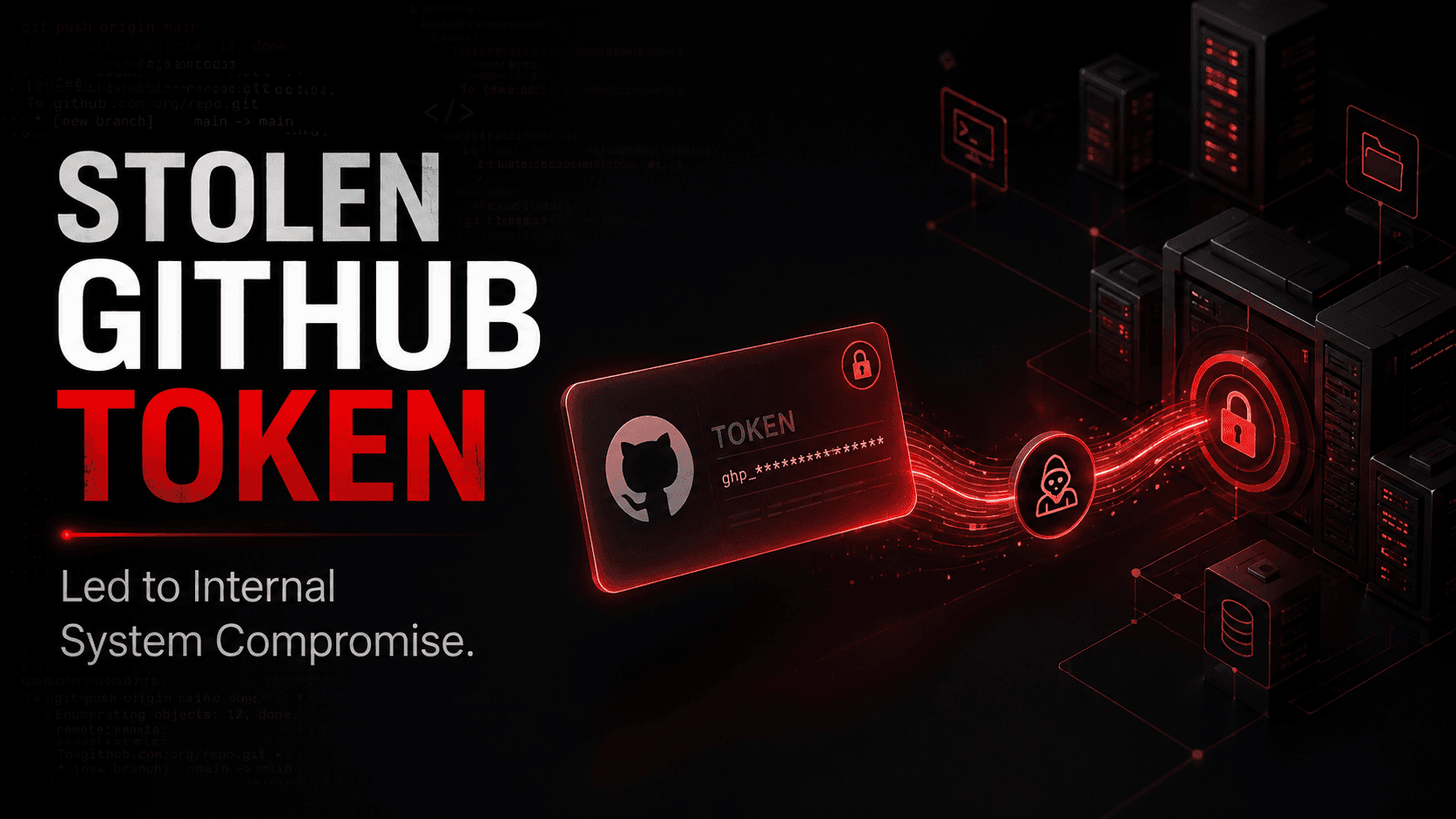
Most teams treat GitHub as a development tool. Attackers treat it as an access route. A leaked token needs no malware, no phishing, and no exploit.
What Is a GitHub Token?
GitHub uses several token types. A personal access token acts with the user's identity and granted permissions. GitHub App and CI tokens act with their own assigned identities and permissions. GitHub recommends fine-grained PATs and least privilege. (GitHub Docs)
Once a valid token has been issued and authorised, API requests normally do not trigger a new MFA prompt. The token itself becomes the authentication credential.
Depending on its permissions, a token may read or modify repositories, packages, workflows, and other GitHub resources. If an attacker can modify a deployment workflow, they may also reach cloud resources trusted by that workflow. (GitHub Docs)
At Orasec, we regularly find exposed source control tokens during assessments.
How Do Tokens Get Exposed?
Usually by accident. A token is hardcoded into a config file for a quick test, then committed and pushed. Others leak through build logs, container images, and chat messages.
GitGuardian counted 28.65 million new hardcoded secrets added to public GitHub during 2025, up 34% year on year. (GitGuardian)
Deleting the file from the latest version does not necessarily remove the secret from Git history. More importantly, removing it from Git does not invalidate the credential. Revoke or rotate the exposed secret first.
Public GitHub commits are continuously monitored by automated secret scanners. GitGuardian reports an average of about five minutes from a public commit to one of its alerts, so exposed credentials should be treated as compromised immediately. (GitGuardian documentation)
Why Does It Matter?
Token abuse uses valid authentication over normal GitHub APIs, which can make it harder to distinguish from legitimate automation. GitHub audit logs can still expose useful details such as the actor, token, repository, country, user agent, and action performed. (GitHub Docs)
Because the attacker already holds valid authentication material, there may be no failed-password attempts before the abuse begins. Detection must therefore include token and repository activity, not only login failures.
What Does This Look Like in Practice?
In January 2024, RedHunt Labs discovered a Mercedes-Benz employee token exposed in a public GitHub repository. RedHunt said the token provided unrestricted access to source code on the company's internal GitHub Enterprise server. Mercedes-Benz later said the token provided access to a certain number of repositories, not its entire source-code estate. (RedHunt Labs)
The timeline is instructive. RedHunt dated the exposure to September 29, 2023, discovered it on January 11, 2024, and said Mercedes-Benz revoked the token on January 24. The credential was therefore exposed for nearly four months before revocation. (RedHunt Labs)
The finding came from outside: the exposure was discovered by an external security research team rather than through a publicly reported internal alert.
How Does Code Access Become System Access?
Private repositories may contain service credentials, internal URLs, deployment configuration, cloud identifiers, and other information that can support further compromise.
CI/CD is the pivot. If a compromised repository can modify a trusted deployment workflow, the attacker may inherit permissions granted to that workflow without directly attacking the network perimeter.
Common Mistakes
- Treating tokens as convenience rather than credentials. A token with write access to production deserves the handling of an admin password.
- Assuming private repositories are safer. GitGuardian found that internal repositories were about six times more likely than public repositories to contain at least one hardcoded secret: 32.2% versus 5.6%. (GitGuardian)
- Leaving developer tooling unmonitored. Source control and CI/CD are rarely covered by detection built for endpoints and networks.
How to Reduce the Risk
- Keep secrets in a secret manager, never in a repository
- Use fine-grained tokens with the narrowest scope and short expiry
- Use OIDC for pipeline access to cloud instead of long-lived keys
- Set least-privilege workflow permissions
- Enable secret scanning and push protection. Push protection can block supported secret types before they reach the repository, although it has coverage limitations and controlled bypass options. (GitHub Docs)
- Revoke or rotate the exposed credential immediately, then remove it from current code and repository history. Cleaning Git history alone does not invalidate a working credential
What Should Security Testing Cover?
Ask your testers to establish:
- What secrets are recoverable from your repositories and history
- Whether a pipeline can be made to run attacker-influenced code
- What CI credentials can reach in cloud and internal systems
How OraSec Can Help
OraSec tests the path this attack takes, from exposed credentials through pipeline permissions into internal and cloud systems. Signal monitors darknet sources for credentials already exposed.
Conclusion
This kind of compromise does not begin with hacking. It begins with trust: a trusted token, a trusted platform, a trusted pipeline.
GitHub is not only a code platform. It is part of your security perimeter. If your controls stop at the network edge, developer tooling is the gap.
FAQs
Should CI pipelines use long-lived tokens? No. Use OIDC or short-lived credentials scoped to the job, so there is nothing durable to steal.
What is one of the strongest preventive controls? Push protection combined with secret scanning and proper secret management can stop many supported credentials before they enter repository history. It should be paired with short-lived credentials and least privilege.