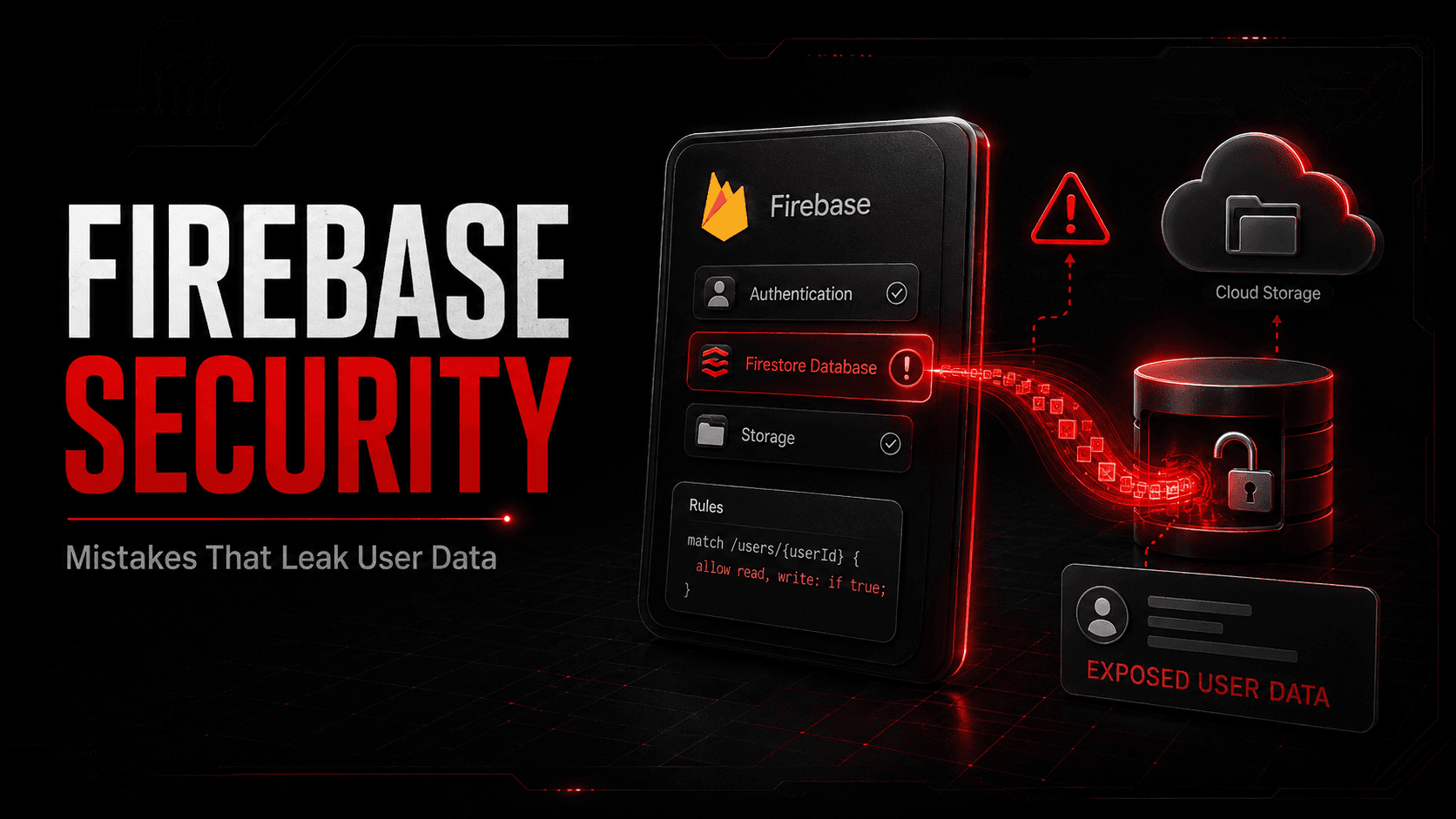
Firebase gives you authentication, a database, storage, and hosting in an afternoon. It also gives your data a public endpoint, protected by rules you wrote yourself.
At Orasec, we regularly find Firebase rule misconfigurations during mobile and web app assessments.
What Is Firebase?
Firebase is a Google backend platform for mobile apps, web applications, and APIs. Firebase includes Cloud Firestore, Realtime Database, Cloud Storage, Authentication, Cloud Functions, Hosting, and other backend services. Firestore, Realtime Database, and Cloud Storage are the main services covered by Firebase Security Rules.
Google secures the platform. You decide who can reach your data.
How Does Firebase Access Control Work?
In a traditional stack, the client calls your server, and your server decides what to return. Firebase can let mobile and web clients communicate directly with Firestore, Realtime Database, and Cloud Storage without routing every request through your own application server. Google explicitly warns that direct client access makes Security Rules a critical safeguard. (Firebase)
Authentication establishes who the user is. Rules decide what that user may read or write.
For Firebase client services, access is primarily controlled through Security Rules, authentication, and where supported App Check. API-key secrecy is not the authorization boundary. Server-side Firebase access may instead rely on IAM and privileged credentials. (Firebase)
Why Does It Matter?
Your database is reachable from the internet by design. The app is a convenience layer, not a boundary. Anyone holding the project identifiers can query the same endpoints your app uses.
Common Mistakes
Public read and write rules. A rule of allow read, write: if true requires no authentication. Anyone who finds the project can read and modify the dataset. Test rules shipped to production are a frequent cause.
Authentication without authorisation. A common mistake is checking only request.auth != null. That proves the caller is signed in, but may still allow every authenticated user to access data belonging to other users. (Firebase)
Over-broad access. Rules that let any authenticated user read every profile or modify another user's records create broken object-level access control. Ownership or role checks belong in the rules, not only in the client.
Public Storage buckets. Insecure Cloud Storage rules can expose sensitive files to unauthenticated users. Shareable download URLs can also create exposure if they are distributed or stored carelessly, so sensitive downloads should remain protected by appropriate access controls. Firebase recommends restrictive production rules. (Firebase)
Configuration in public repositories. Firebase configuration is normally expected to appear in client code and is not itself a secret. It does identify the Firebase project, so an attacker can use it to discover which project and services are worth testing for weak rules. (Firebase)
Non-production projects with real data. Staging copies carry looser rules and the same records.
How Do Attackers Exploit It?
The process is not sophisticated. Project identifiers are extracted from an app bundle or JavaScript file. Rules are tested with the SDK or a REST call. Where access is open, the data is dumped and scraping is automated.
Firebase applications may store emails, phone numbers, chat messages, location data, authentication metadata, or payment references. Depending on the application, this information may be sensitive or regulated.
Consequences follow the usual path: breach notification, regulatory attention, app store action, customer loss.
How to Reduce the Risk
- Deny by default, then grant specific access. Never ship
if true - Verify ownership in the rules, not just that a user is signed in
- Separate admin operations from client-reachable paths
- Enforce App Check where supported to reduce abuse from unauthorized clients. Treat it as an additional protection layer, not a replacement for Security Rules or user authorization. (Firebase)
- Validate authorization inside Cloud Functions and other trusted backend code. Callable functions can receive verified Authentication and App Check tokens, but your code still needs to decide what that caller is allowed to do. (Firebase)
- Keep real user data out of test projects and delete unused ones
- Review rules on every release and monitor for unusual read volume
What Should Security Testing Cover?
Ask your testers to establish:
- Whether the database and storage can be read without authentication
- Whether one authenticated user can reach another user's records
- Whether admin-only collections are writable by ordinary accounts
- Whether client-side restrictions hold when the app is bypassed
How OraSec Can Help
Firebase weaknesses surface in mobile, web, and API testing rather than a scanner report, because finding them needs a tester with a real account attempting access as another user. Alongside that, Signal monitors darknet sources for data already exposed.
Conclusion
Firebase does not leak data. Rules do.
The mistakes behind most Firebase breaches are simple and preventable. Attackers are already checking whether your rules hold. The useful question is whether anyone on your side has checked first.
FAQs
How would we know if our database is public? Test it. Query the project with the SDK or REST while signed out and see what comes back.
Do Security Rules replace a backend? Not entirely. They can securely enforce client access to Firestore, Realtime Database, and Cloud Storage, but privileged operations, secret handling, complex business logic, and trusted server-side processing still belong in backend code such as Cloud Functions.
How often should rules be reviewed? Every release that changes the data model, and as part of any application security test.