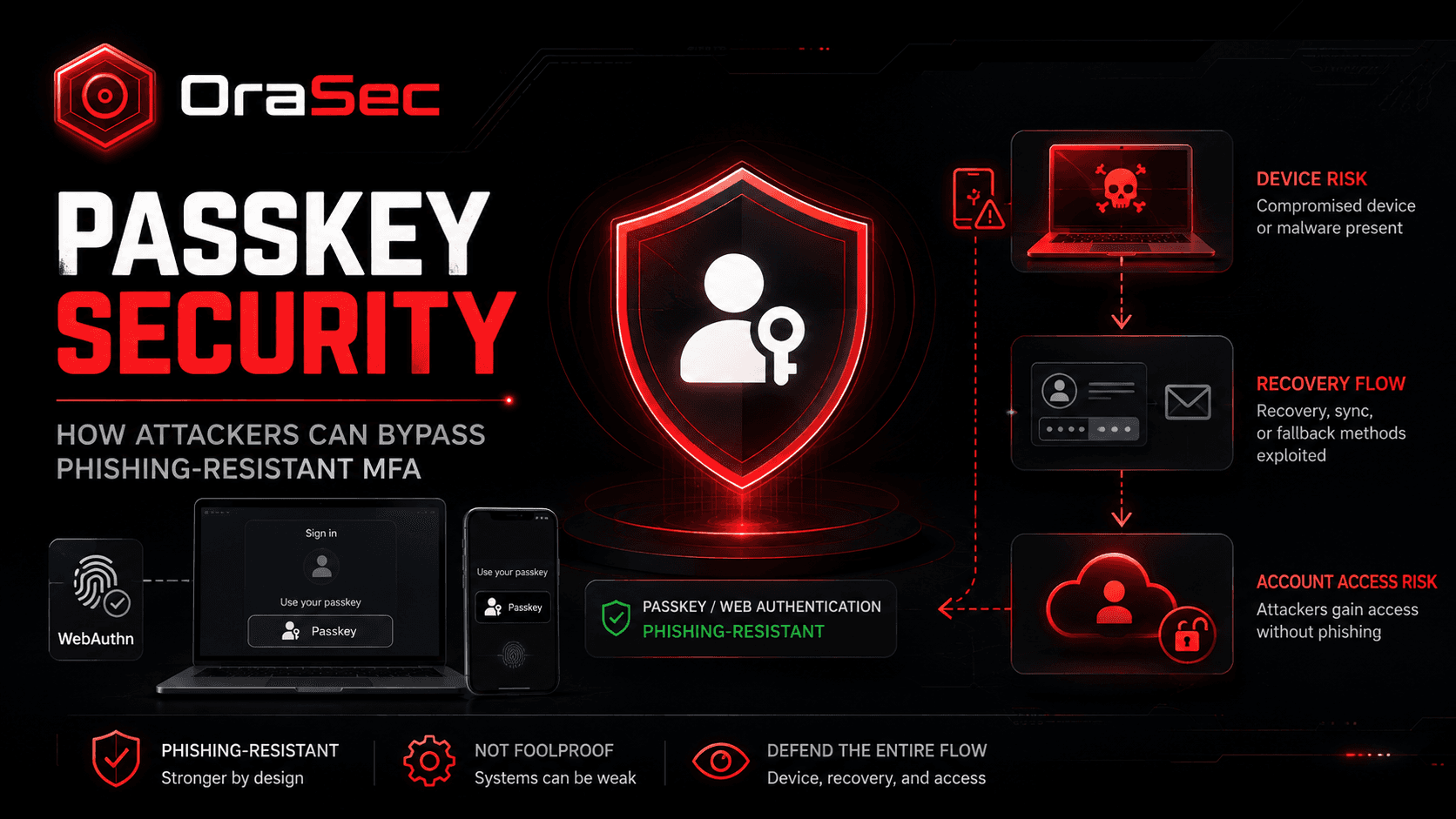
Passkeys are built to stop phishing and remove reusable passwords. They use public-key cryptography, so attackers cannot simply steal a password and use it again.
But passkeys do not protect every part of the login process. If the device, browser, recovery flow, or website checks are weak, attackers may still find another way in.
What Is Passkey Security?
Passkey security covers more than the passkey itself. It also includes the device, browser, credential manager, recovery flow, and website that checks the login.
During login, the site sends a challenge. The authenticator signs it with the private key. The site then checks the signed response. The private key is not sent to the website.
Passkeys resist phishing because each credential is tied to the real site or app. A fake login page cannot capture and replay it like a password.
Also Read: Certificate-Based Authentication (CBA): A Simple Guide for Modern Security
How Can Passkey Attacks Work?
The attacks covered in recent Unit 42 research did not break passkey cryptography. Instead, they targeted the systems around it.
Compromised Device
↓
Browser or Passkey Data Is Abused
↓
Login Response Is Obtained
↓
Service Accepts the Login
↓
Account Access Is Gained
The weak point may be the device, user checks, recovery flow, or another part of the login process.
Why Phishing-Resistant Does Not Mean Attack-Proof
Passkeys help stop phishing, credential stuffing, and password reuse. But a login still depends on the browser, operating system, credential manager, and website.
If one of those parts is weak, the passkey can remain secure while the account is still at risk.
Also Read: Why MFA Alone Doesn't Stop Account Takeovers
Real-World Example: Pass-ta-key
In August 2026, Palo Alto Networks Unit 42 published research on Google Password Manager passkeys in Chrome on Windows.
The researchers described three attack paths: Pass-ta-key, Silver Pass-ta-key, and Golden Pass-ta-key. Each attack started with malware already running on the victim's Windows device. The research did not show a remote attack that breaks passkey cryptography.
In the first path, malware could use the device's identity to request a valid passkey response. Unit 42 found that eBay did not correctly check the User Verified (UV) flag during testing. eBay fixed the issue after it was reported.
The Golden Pass-ta-key attack went further. Unit 42 found that a master key called the Security Domain Secret (SDS) could be exposed during recovery or re-registration. Malware could then use the SDS to recover synced passkey private keys.
Google removed the SDS from Chrome's logs after the report. Unit 42 said it could still appear for a short time in Chrome's process memory during re-registration.
Common Passkey Security Risks
Compromised Devices
Malware on a device may abuse browser or credential-manager functions.
Weak User Verification
Poor checks may allow a login response that should have been rejected.
Recovery and Re-Enrollment
Recovery and new-device setup are sensitive because they can restore trust.
Synced Passkey Risk
Synced passkeys also depend on the security of the device, credential manager, and recovery process.
Weak Fallback Login
Attackers may avoid the passkey and target a weaker login method instead.
How to Improve Passkey Security
Require User Verification
Require user verification when needed and check the UV flag in WebAuthn responses.
Protect User Devices
Keep devices and browsers patched. Use endpoint protection and limit local privileges.
Harden Recovery Flows
Treat passkey recovery and new-device setup as high-risk actions. Use strong checks before trusting a new device.
Limit Weak Fallbacks
Do not let a weak password or recovery method defeat a stronger passkey login.
Monitor Passkey Changes
Watch for unusual passkey enrollment, recovery events, new devices, and unexpected login activity.
What Should Passkey Security Testing Cover?
A security test should review:
- Passkey registration and login
- User-verification checks
- Account recovery
- New-device enrollment
- Fallback login methods
- Session security
- Passkey deletion and replacement
- WebAuthn validation
The goal is to find out whether an attacker can bypass login controls without breaking the passkey itself.
How Orasec Can Help
Orasec's web application security testing covers login and identity controls across web apps, APIs, and enterprise systems.
Testing can find weak passkey setups, unsafe recovery flows, weak fallback methods, session issues, and access-control gaps.
Conclusion
Passkeys are a strong step forward from passwords, especially against phishing. But they are not a full security boundary.
Good passkey security also needs safe devices, correct WebAuthn checks, strong recovery flows, and useful monitoring.
FAQs
Are passkeys safe?
Yes. Passkeys are built to resist phishing and remove reusable passwords. Their safety still depends on how the rest of the login system is built.
Can attackers steal a passkey?
Under specific conditions, Unit 42 showed that malware on an already-compromised device could recover synced passkey private keys. This does not mean passkeys are easy to steal.
Can passkeys be phished?
Passkeys are designed to resist normal phishing because they are tied to the real site or app.
Can malware bypass a passkey?
Malware on a compromised device may abuse the systems around the passkey login. The result depends on the design and security controls in place.
Should companies still use passkeys?
Yes. Passkeys provide strong protection against phishing and password-based attacks. They should still be paired with secure devices, safe recovery, and correct WebAuthn checks.