Alerts keep climbing. Logs never stop. Analysts triage what they can and accept that some of the queue goes unread.
AI does not fix that by replacing anyone. It changes which parts of the queue reach a human first.
Why Do SOCs Need the Help?
Many SOCs already use SIEM, EDR, and automation platforms. These systems can generate more telemetry and alerts than analysts can realistically review manually.
The result can be alert fatigue, slower investigations, time lost to false positives, and increased analyst workload.
CISA's August 2026 "A Tale of Two SOCs" advisory showed the problem clearly. Organization A received alerts linked to simulated intrusion activity, but overwhelming alert noise and false positives helped bury the real signals, while Organization B's tuned monitoring enabled rapid response. (CISA)
What Does AI Actually Do in a SOC?
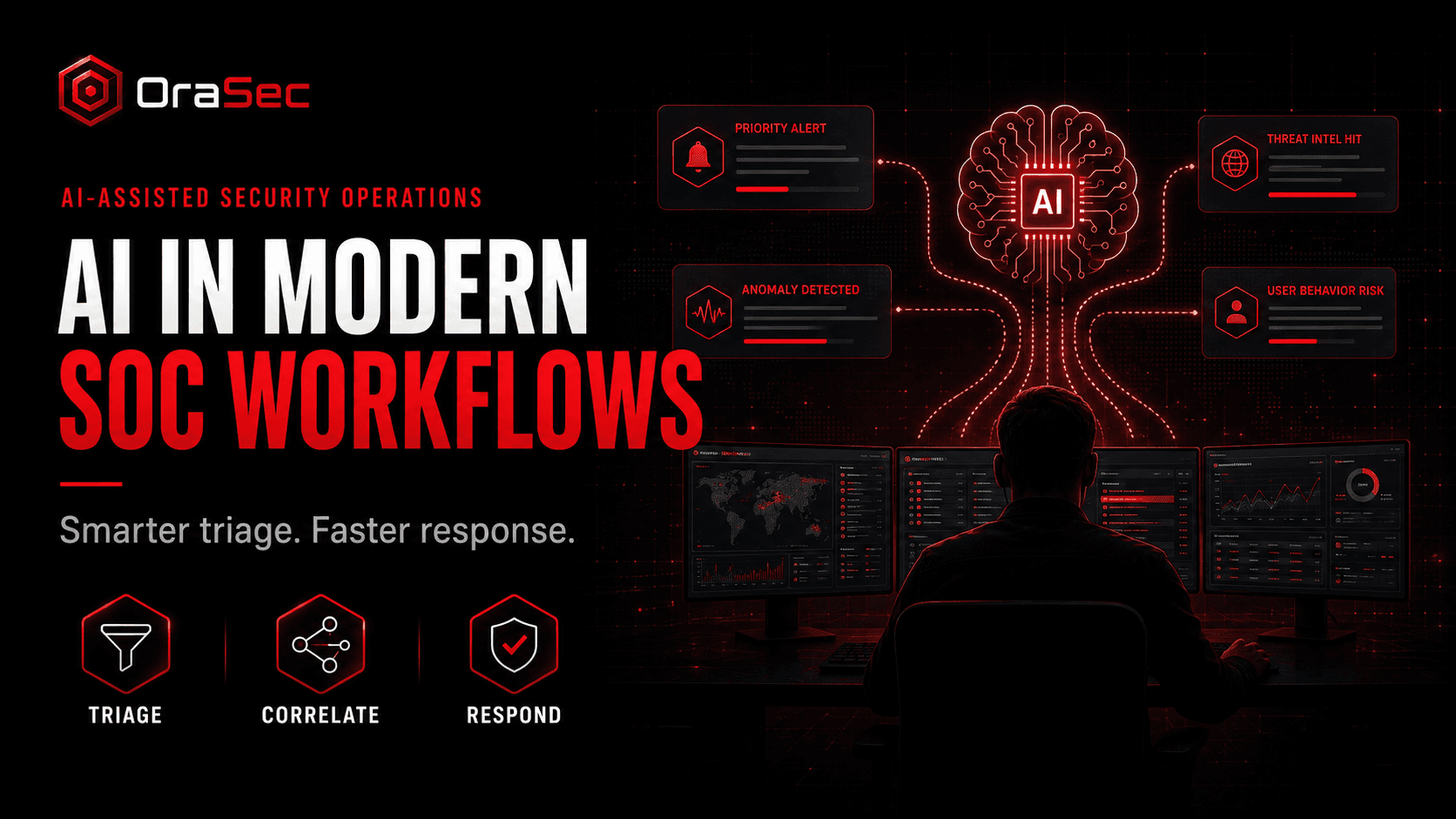
AI in a SOC can include traditional machine learning, generative AI, and increasingly agentic workflows. Different approaches fit different jobs: anomaly detection and scoring on one side, summarisation, investigation support, and workflow automation on the other. Microsoft currently supports AI-assisted triage, signal correlation, incident summaries, threat intelligence, and automated agents. (Microsoft Learn)
Where Does AI Fit Best?
Alert triage and noise reduction. AI can reduce the analyst-facing workload by grouping related alerts, filtering known noise, identifying likely false positives, and prioritising the remaining alerts. Microsoft explicitly describes its alert-triage capability as identifying real attacks and false positives at scale. (Microsoft Learn)
Investigation and context building. Pulling related logs, mapping activity across systems, and assembling a timeline. Analysts start from a draft, not a blank query.
Threat intelligence correlation. Matching indicators against internal telemetry to identify which feed updates are relevant, rather than treating every IOC as urgent.
Case summarisation and reporting. Drafting incident timelines and executive summaries. Consistency is easier to automate than judgement.
What Should AI Not Do?
Do not give AI unrestricted authority over high-impact actions. Low-risk, well-defined workflows may be automated, but containment, account disabling, destructive actions, and uncertain cases should use clear guardrails and human oversight. NIST recommends defining and documenting human oversight appropriate to the deployment context. (NIST AI Resource Center)
It should also not be the only detection method, produce outputs nobody validates, or replace experienced analysts.
AI outputs can be incomplete or wrong, so important conclusions and high-impact actions need validation appropriate to the risk. Microsoft also warns that AI-generated results may contain errors and should be checked. (Microsoft Learn)
How to Integrate It Without Disruption
- Start with one use case, where analysts lose the most time
- Integrate with the SIEM, EDR, SOAR, and ticketing tools already in place
- Keep humans in the loop, able to see why something was flagged and override it
- Capture analyst feedback and use it to tune detections, prompts, models, and workflows. Do not assume every AI product automatically learns from that feedback
- Train analysts on what the system does well, where it is weak, and when to question it
Common Mistakes
- Treating AI as a fix for weak fundamentals. Poor logging and incomplete asset inventory do not improve with AI. They scale
- Feeding it bad data. Missing logs, inconsistent timestamps, and coverage gaps limit quality
- Ignoring the security of the AI itself. Models, prompts, integrations, and connected data are attack surface. Prompt injection and over-permissioned integrations apply here.
What Should Security Testing Cover?
Ask your testers to establish:
- Whether AI-assisted detection or triage improves the handling of simulated attack activity, and whether the underlying detection still works without relying solely on the AI layer
- Whether the AI layer can be manipulated through injected content
- What data and systems the AI integration can reach
- Whether analysts act on AI-prioritised alerts or override them by habit
How OraSec Can Help
OraSec tests detection outcomes, not tooling claims. We run attack chains and measure what your SOC sees, what it escalates, and how long response takes. Where AI sits in that pipeline, we test what it reaches and whether its inputs can be manipulated.
How to Measure Success
Analyst adoption matters, but success should be demonstrated through measurable outcomes such as faster investigations, fewer missed incidents, useful false-positive reduction, and better response times.
Conclusion
AI is not replacing the SOC. It is making an unsustainable workload manageable.
Start with one workflow, keep humans deciding, secure the AI layer like any system with access to your data, and test whether detection improved.
FAQs
Will AI replace SOC analysts? Current SOC AI is best used to automate repetitive work and augment analysts. Human expertise remains important for ambiguous investigations, risk decisions, and high-impact responses.
Where should we start? Alert triage is often a practical first use case because it is high-volume and its impact can be measured clearly.
Does AI reduce alert volume? It can reduce the number of alerts analysts need to handle by grouping related activity, suppressing known noise, and prioritising likely incidents. The raw telemetry may remain unchanged.
Is AI in the SOC a security risk itself? It can be. Models, prompts, and integrations are attack surface, and an AI system with broad data access needs the scrutiny of a privileged account.
Is AI-assisted detection enough on its own? No. Detection rules and logging still need to work independently of the AI layer.