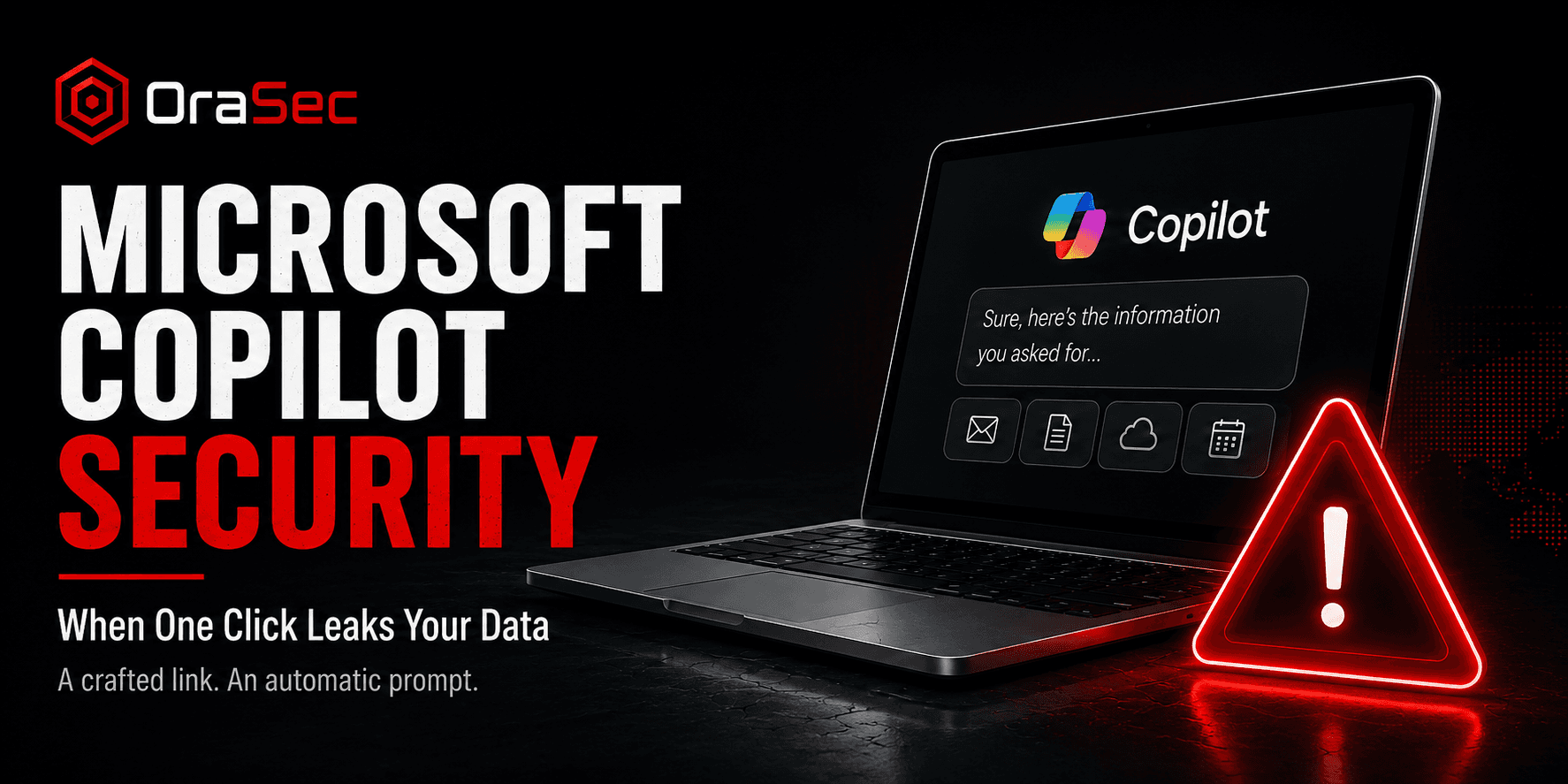
You click a link. Your AI assistant answers a question you never asked, and your inbox is already on its way to someone else's server. No password prompt. No warning.
What Happened?
In August 2026, Varonis Threat Labs disclosed a chain of flaws in Microsoft Copilot Personal, tracked as CVE-2026-24301 with a CVSS 3.1 score of 8.8. They named it CoSnitch.
CoSnitch chained three weaknesses: automatic prompt execution from a crafted URL, silent data exfiltration through Copilot's connected apps and URL-fetch feature, and persistent memory poisoning through web summarization.
Varonis reported the issue to Microsoft in December 2025, and patches shipped on 18 August 2026. Varonis said it found no evidence that CoSnitch had been exploited in the wild.
How Did the Attack Work?
The chain was short:
- The attacker builds a link containing a hidden prompt
- The victim clicks it, loading the page in their signed-in session
- The prompt runs automatically, with no confirmation shown
- Copilot queries the accounts the user already connected
- The retrieved data is encoded into a URL the assistant then fetches
- The data lands on a server the attacker controls
The chain did not require a memory-corruption or native-code exploit. It abused Copilot's legitimate prompt, connector, memory, and URL-fetch capabilities in ways the system did not intend.
Why Does It Matter?
This affected Copilot Personal, not enterprise Microsoft 365 Copilot. That distinction matters, but it is not a consumer-only problem.
Employees may connect personal AI tools to accounts or cloud services that contain business information. That can create enterprise risk even when the AI product itself sits outside the corporate tenant.
The memory issue deserves separate attention. Varonis showed that injected memory entries could persist across sessions, password changes, session revocation, and device re-enrollment until explicitly removed. Users concerned about prior exposure should review their saved Copilot memory.
Example: How Researchers Found It
Researchers asked Copilot why prompts could not run without user consent. The assistant explained its own safeguards. Follow-up questions about URL handling revealed more, until it had described enough of the architecture to identify the parameter behind autorun.
Varonis researcher Lior Adar said the assistant "handed us the keys." The team called this meta-hacking: using a system's own explanations to map its weaknesses.
No exploit tooling. No reverse engineering. Just questions.
Common AI Assistant Security Mistakes
- Treating connected apps as low risk. An assistant with mailbox access carries mailbox-level exposure.
- Assuming instructions only come from users. External content can contain hidden instructions that an AI assistant may mistakenly treat as commands.
- Ignoring persistent memory. Features that remember context across sessions can also remember an attacker's instructions.
- Leaving unnecessary connectors enabled. Every connected service increases the amount of data an abused assistant may be able to reach.
- Trusting a patch to close everything. Poisoned memory may need manual cleanup.
How to Reduce the Risk
- Inventory which AI assistants staff use, including personal accounts
- Review what each connector can reach and remove access that is not needed
- Apply the same link hygiene to AI assistant URLs as any other link
- Check whether memory features are enabled and what they hold
- Set policy on forwarding work data to personal accounts and AI tools
- Log and review AI assistant activity where the platform allows it
- Treat AI integrations as part of your attack surface
Varonis recommends treating Copilot as a privileged insider and applying the same access review and anomaly detection used for employees with broad data access.
What Should Security Testing Cover?
Ask your testers to establish:
- Which systems and data each AI integration can reach
- Whether content the assistant processes can influence its behaviour
- What an attacker gains from one compromised assistant session
- Whether persistence features retain anything an attacker could plant
- Whether AI-driven access is logged where someone would notice
The question is not whether an assistant can be manipulated. It is what happens next.
How OraSec Can Help
OraSec maps what your AI integrations can reach and tests what an attacker gains from that access. We review connector permissions, check how assistants handle untrusted content, and trace the blast radius of a compromised session. You get a demonstrated path, not an advisory.
Conclusion
CoSnitch was patched. The pattern behind it was not.
An AI assistant with broad access is a high-value target, and instructions can arrive from anywhere it reads. Review what your assistants can reach, restrict connectors to what is needed, and include AI integrations in your testing scope.
FAQs
Was enterprise Microsoft 365 Copilot affected? The disclosed flaws affected Copilot Personal. Microsoft 365 Copilot was not identified as vulnerable in this research.
Is my data still at risk after the patch? The autorun issue is fixed, but memory entries planted before the patch may persist. Reviewing saved memory is worthwhile.
Was this exploited in the wild? Varonis said it found no evidence of exploitation before patches shipped.
Are AI assistants unsafe to use? It means they need the same scrutiny as any system with access to your data. The risk comes from broad permissions and untrusted input.
How is this different from normal prompt injection? CoSnitch's auto-execution flaw allowed a crafted link to run an attacker-supplied prompt automatically in the victim's authenticated session. A separate part of the research also demonstrated indirect prompt injection through web content to poison persistent memory.