Multi-factor authentication gets treated as a finish line. Once enabled, the account is filed under "protected" and attention moves on.
Account takeovers can still happen where MFA is enforced. Attackers may target the MFA method itself, steal authenticated sessions, abuse recovery flows, or use tokens and application permissions that sit outside the normal login flow.
What Is MFA Supposed to Do?
MFA adds a second step at sign-in: a one-time code, a push approval, a hardware key, or a biometric factor.
MFA primarily strengthens authentication events. Security after sign-in still depends on session protection, authorization, recovery controls, device security, and token handling.
How Do Attackers Bypass MFA?
Push fatigue. An attacker with valid credentials triggers repeated logins, filling the user's phone with prompts. Uber confirmed that an attacker repeatedly triggered MFA prompts against a contractor's account until one was eventually approved. Reports based on the attacker's account also said the attacker contacted the contractor while posing as IT. Uber itself confirmed the repeated requests and eventual approval, but not every detail of the alleged social-engineering conversation. (Uber)
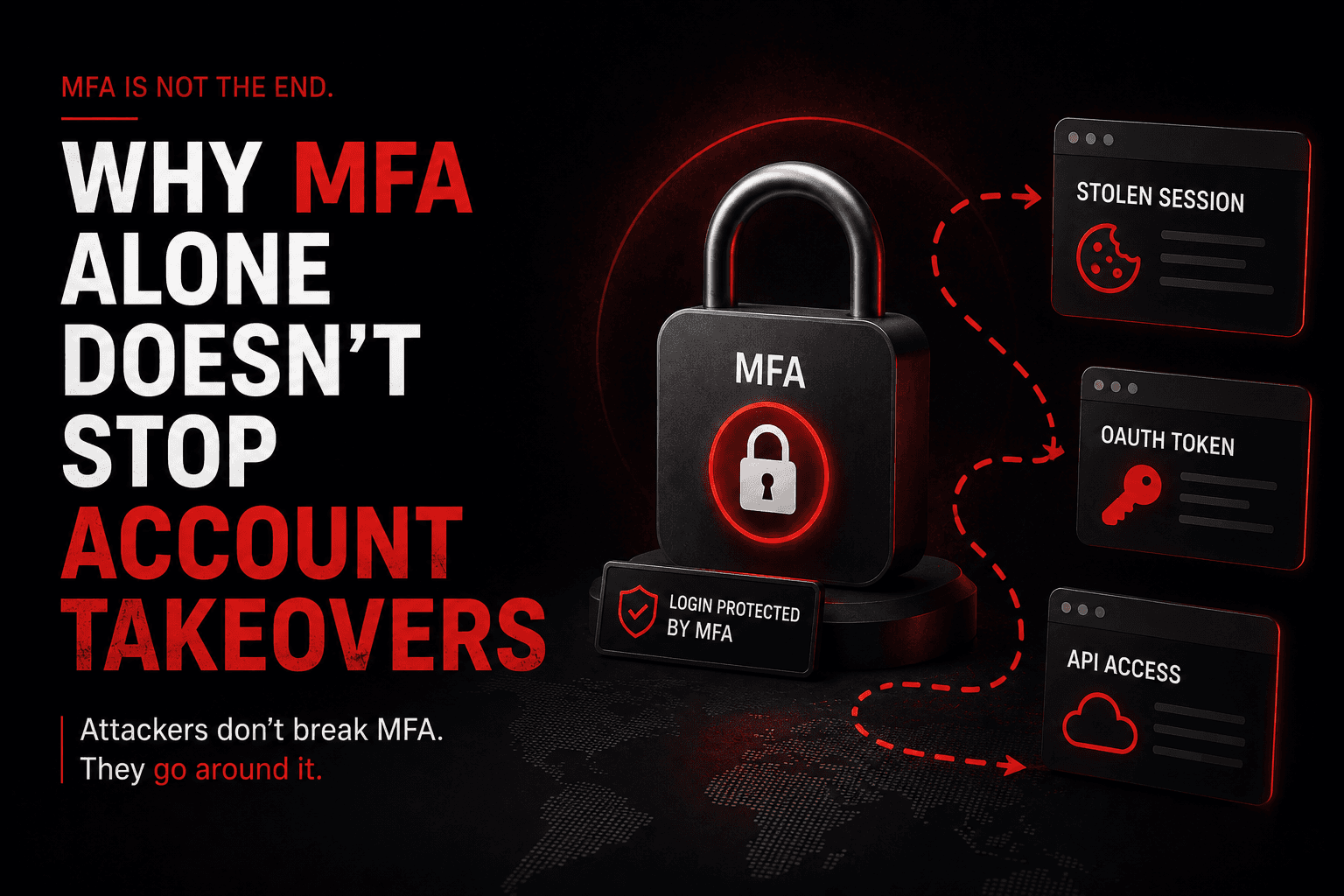
Session token theft. MFA guards the login, not the session it produces. Adversary-in-the-middle proxies relay the login in real time and capture the session cookie. Malware, malicious browser extensions, and some application flaws can also expose session artifacts, depending on how those tokens are stored and protected. The attacker never authenticates; they reuse a session that already did.
API tokens and OAuth. API keys, OAuth tokens, service credentials, and delegated application permissions may provide access without a new interactive MFA challenge. Their security therefore depends on token scope, consent controls, lifetime, storage, and revocation. Microsoft specifically warns about malicious OAuth consent grants that give applications legitimate access to user data. (Microsoft Learn)
Recovery and legacy paths. Recovery, enrollment, and legacy authentication paths can weaken MFA if they are not protected to the same standard as the primary sign-in flow.
Internal credential abuse. Internal access may rely on different authentication controls. Workload identities and service accounts often use non-interactive credentials, while internal applications may have different MFA requirements from external services.
Why Does It Matter?
MFA changes behaviour as well as risk. Teams that consider authentication solved tend to watch sign-ins less closely and leave session and token handling unexamined.
The control is real. The confidence it produces is often broader than what it covers.
Common Mistakes
- Treating "MFA enabled" as complete. Coverage is usually partial. Legacy endpoints and service accounts are the gaps
- Leaving recovery flows weaker than login. Attackers test the reset path.
- Relying on simple approve/deny push notifications. They are vulnerable to MFA-fatigue attacks; phishing-resistant authentication is stronger. CISA specifically recommends phishing-resistant MFA and number matching when push MFA must remain in use. (CISA)
- Assuming internal systems inherit protection. Network position is not authentication
What Actually Reduces Takeovers
- Move high-risk accounts to phishing-resistant methods such as FIDO2, passkeys, or certificate-based authentication
- Use token protection/device binding where supported, along with Conditional Access and Continuous Access Evaluation. Microsoft notes that simply shortening token lifetimes can hurt usability without eliminating token-theft risk. (Microsoft Learn)
- Inventory every authentication path, including recovery flows, legacy protocols, and APIs
- Treat session revocation as a standard response step, not just a password reset
- Monitor risky or unfamiliar sign-ins, anomalous token use, new OAuth consent grants, mailbox-rule changes, and unusual device activity (Microsoft Learn)
What Should Security Testing Cover?
Ask your testers to establish:
- Which accounts and endpoints genuinely enforce MFA, and which only appear to
- Whether a captured session token still works, and for how long
- What API tokens and OAuth grants reach without an interactive login
- How far an attacker moves internally before another authentication check
How OraSec Can Help
OraSec tests authentication the way attackers approach it, looking for the paths around MFA rather than through it: token reuse, OAuth misconfiguration, exposed APIs, and internal trust boundaries. You get a demonstrated bypass path where one exists.
Conclusion
MFA is worth having. It stops credential stuffing, password reuse, and most opportunistic attacks.
It is not a boundary attackers break through. It is one they work around. If your strategy ends at enabling MFA, ask what else in your environment accepts a session, a token, or a reset request without checking again.
FAQs
Which MFA methods are strongest? Phishing-resistant methods such as passkeys/FIDO2 security keys, Windows Hello for Business, and properly configured certificate-based authentication provide stronger protection against remote phishing. (Microsoft Learn)
Why doesn't MFA always stop session hijacking? Once authentication succeeds, services issue session or access tokens. If an attacker steals a replayable token, they may impersonate the authenticated user until the token expires, is revoked, or is blocked by controls such as device-bound token protection. (Microsoft Learn)
Is a password reset enough after a suspected takeover? No. Active sessions and tokens need revoking, and OAuth grants and mail-forwarding rules should be reviewed.
How do we find gaps in our own MFA coverage? Inventory every authentication path, then test whether each enforces what the policy says.