Your user got the phishing email and was careful. They checked the login page, entered their password, approved the MFA prompt, and signed in.
The attacker could then reuse the stolen authenticated session.
What Is Mirage2FA?
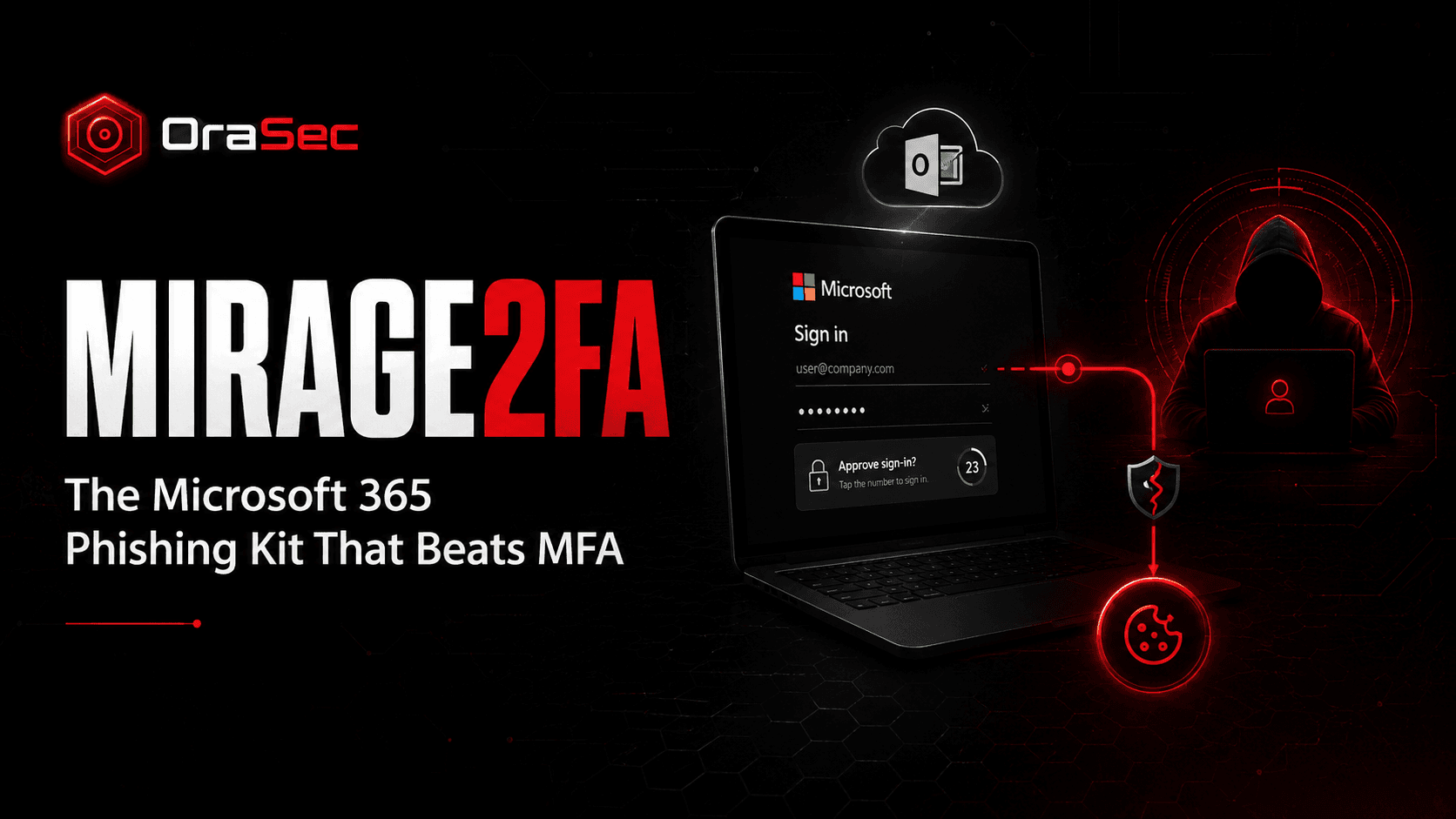
Mirage2FA is a phishing-as-a-service toolkit built to steal Microsoft 365 credentials and sessions through adversary-in-the-middle (AiTM) attacks. ANY.RUN attributes the Mirage2FA brand/operator to "LinX Coders" based on recurring LINX markers, bot names, and related infrastructure. (ANY.RUN)
An AiTM attack does not guess the password or defeat the MFA code. It sits between the user and Microsoft, relaying everything in real time. The victim genuinely logs in, and the attacker copies the session cookie that login produces.
How Does the Attack Work?
The chain is short and entirely browser-based:
- A phishing email delivers an
.htm,.xhtml, or.svgattachment, or a QR code - Opening it runs obfuscated script that decodes the recipient's email address
- The script fetches harvesting logic from the attacker's infrastructure
- A counterfeit Microsoft 365 login page appears, backed by a reverse proxy
- The victim enters their username, password, and MFA challenge or code
- Credentials relay to real Microsoft services over a WebSocket
- Authentication succeeds, and the attacker captures the session cookie
- The stolen session may let the attacker access Microsoft 365 without repeating the password and MFA flow until the session is revoked, expires, or is otherwise invalidated
No malware executable is involved. ANY.RUN's samples were dominated by browser-readable files. Obfuscation was especially common in the .htm samples: 453 of 629 were obfuscated. ANY.RUN also observed obfuscated .xhtml and .svg samples.
Why Does It Matter?
MFA remains worth having. It is not sufficient on its own here, because the attack does not target the second factor. It targets what the second factor produces.
ANY.RUN identified 9,426 targeted email addresses, with 4,532 potentially compromised, or about 48%. Its dataset contained 9,332 potential compromise events, including 4,561 cookie-theft events, 3,044 password/2FA events, and 1,339 SSO logins. (ANY.RUN)
63.7% of the identified victims were in the United States. Technology accounted for 19.2% of observed activity, manufacturing 11.1%, and education 9.9%. (ANY.RUN)
Common Mistakes
- Treating MFA as the finish line. It raises the cost of an attack but does not close this route.
- Resetting the password and stopping there. A password reset alone may not remove stolen session access. Response teams should revoke active sessions and tokens and investigate activity performed through the account. (ANY.RUN)
- Trusting attachment type as a safety signal. An
.svgis treated as an image but can carry script. - Assuming users will spot the page. The proxy serves genuine Microsoft content, so it looks right.
- Not checking what happened after access. After session theft, review mail-forwarding rules and OAuth grants because they may provide additional or persistent access. ANY.RUN specifically recommends checking both during response. (ANY.RUN)
How to Reduce the Risk
- Move high-risk accounts to phishing-resistant authentication such as passkeys/FIDO2 security keys, Windows Hello for Business, or certificate-based authentication (Microsoft Learn)
- Block or quarantine
.htm,.xhtml, and.svgemail attachments where feasible - Use Conditional Access, Continuous Access Evaluation, and Microsoft Entra Token Protection where supported. Do not rely on shorter token lifetimes alone. Microsoft notes that CAE can revoke access near real time after critical events, while Token Protection reduces token replay by binding supported tokens to a device. (Microsoft Learn)
- Alert on unusual sign-in locations, impossible travel, and new OAuth grants
- Treat session theft as an identity incident, not a password incident
- Train staff that a successful login does not prove the page was genuine
What Should Security Testing Cover?
Ask your testers to establish:
- Whether a proxied login page can capture a working session for your tenant
- What a stolen session reaches before an alert fires
- Whether session revocation is part of your response process
- Which accounts still rely on OTP-based MFA
- Whether new mail rules or OAuth grants would be noticed
How OraSec Can Help
OraSec tests the identity layer the way attackers approach it. We assess how far a captured session reaches, whether detection catches the sign-in, and whether your response actually invalidates access. You get a demonstrated path, not a policy review.
Conclusion
Mirage2FA is not a new idea, but it is a well-packaged one sold as a service and used at scale.
The lesson is narrow and useful. If your MFA produces a session cookie that can be relayed, MFA alone is not enough. Move critical accounts to phishing-resistant methods and make token revocation part of your standard response.
FAQs
Does MFA still help? Yes. It stops credential stuffing and password reuse. It does not stop a real-time proxy that captures the resulting session.
Would passkeys have prevented this login-relay attack? Phishing-resistant passkeys use origin-bound public-key cryptography, so credentials created for the real Microsoft sign-in origin cannot simply be replayed through an attacker-controlled phishing origin. (Microsoft Learn)
Why are SVG files a problem? SVG is an image format that can also contain active script when opened as a document. Mirage2FA used SVG files as browser-based stagers, so security teams should not automatically treat .svg attachments as harmless. (ANY.RUN)
How do we know if we were affected? Review sign-in logs for unfamiliar locations or devices, and check for mail-forwarding rules and OAuth grants nobody asked for.