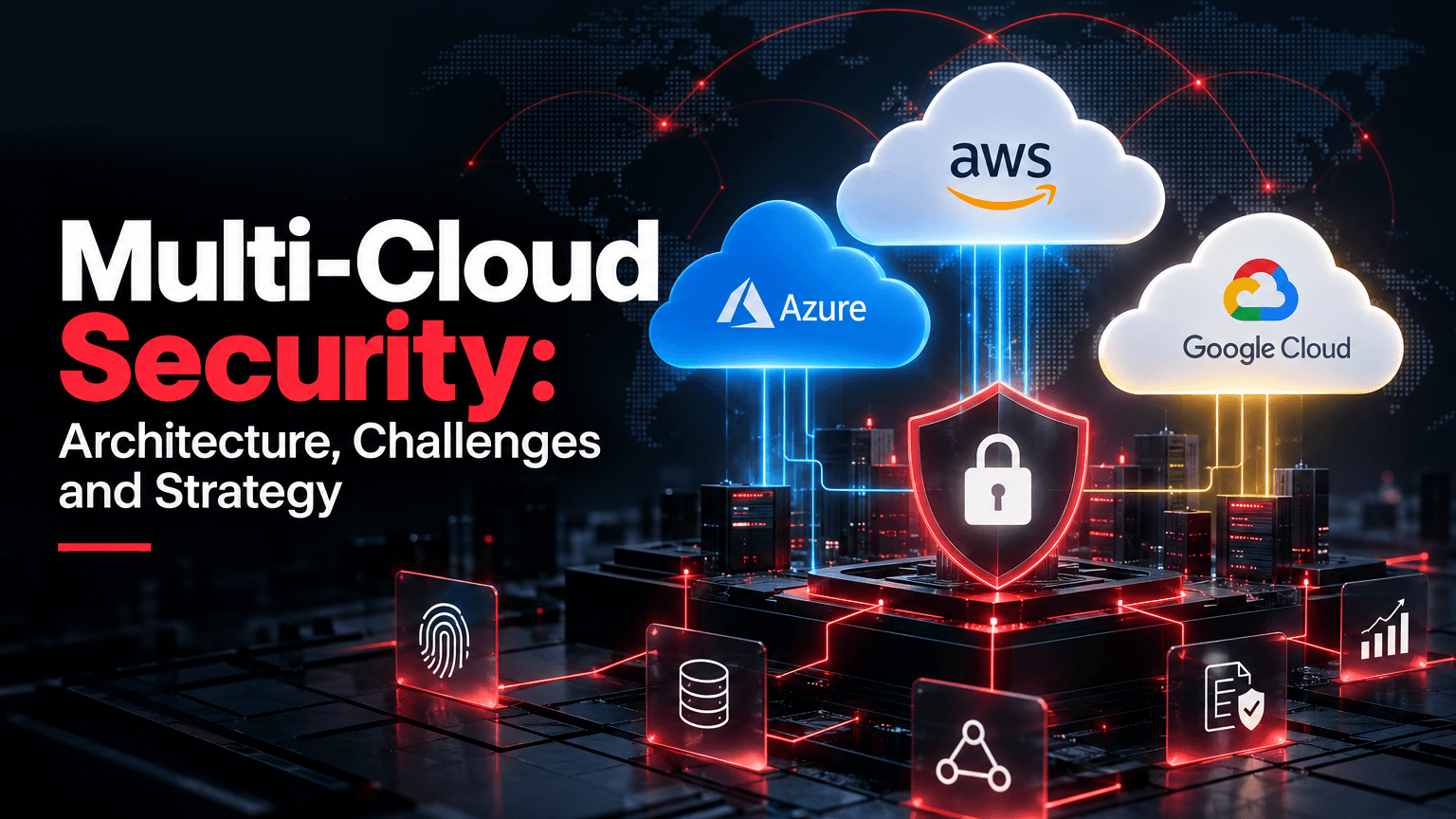
Multi-cloud security protects data, identities, and workloads spread across providers such as AWS, Azure, and Google Cloud under one set of rules. Each provider secures its own infrastructure. What you build on top is yours to secure. That gets harder with every cloud, because each has its own identity model, logs, and defaults. In cloud penetration testing, the serious findings usually come from ordinary misconfigurations rather than exotic exploits.
What is multi-cloud security?
The policies, controls, and tools that protect data, users, and workloads consistently across two or more public cloud providers.
How does multi-cloud work?
An organization runs workloads on several providers at once, connected through networks, APIs, and a shared identity provider.
What are the top 3 cloud security risks?
Misconfiguration, stolen or over-privileged identities, and poor visibility. Attackers can combine them to turn one weakness into a larger compromise.
Is multi-cloud a good strategy?
It can be, when a clear reason such as resilience, data residency, or avoiding lock-in justifies the extra security work.
Is multi-cloud safe?
It can be, but not by default. Central identity, common guardrails, unified monitoring, and testing close the gaps between providers.
Key Takeaways
- The provider secures the cloud. You secure what you put in it, in every cloud you use.
- Much multi-cloud risk sits in the gaps between providers: different identity models, defaults, and logs.
- You can't secure what you haven't found, so a full asset inventory comes first.
- Identity is the real perimeter. Centralize it, enforce MFA, and remove long-lived keys.
- Write security policies once and enforce them in each cloud through code and native guardrails.
- Bring all logs into one place, and test that alerts actually fire.
- Configuration tools find risky settings. Testing shows how an attacker could chain them together.
What Is Multi-Cloud Security?
Multi-cloud means using two or more public cloud providers. Hybrid cloud mixes public cloud with on-premises or private infrastructure, and many organizations do both. Every major provider works on a shared responsibility model: AWS protects the infrastructure that runs its services, while the customer's share depends on the services they choose. Azure and Google Cloud draw the line in much the same place. That leaves the customer responsible for:
- Access: identities, roles, keys, and permissions.
- Configuration: storage, databases, compute, and network rules.
- Data protection: classification, encryption, keys, and backups.
- Logging and response: what's logged, who reviews it, and how incidents are handled.
In a multi-cloud estate, each of these jobs is done several times in different ways, then joined up so nothing falls between them.
Why Multi-Cloud Security Matters
Multi-cloud is common, and not always planned. Flexera's 2026 State of the Cloud Report, a survey of 753 cloud decision-makers and users, says adoption is rising, potentially driven by mergers or siloed applications rather than deliberate strategy. Respondents ranked cost (85%) and security (82%) as their leading cloud challenges. These real-world incidents weren't necessarily multi-cloud attacks, but they show risks that get harder to manage across providers:
- Snowflake customer attacks (2024): Mandiant traced the campaign to compromised customer credentials, not a breach of Snowflake itself. Affected accounts lacked MFA and network allow lists, and some stolen credentials were still valid years later. Mandiant and Snowflake notified roughly 165 potentially exposed organizations.
- Capital One (2019): a configuration flaw exposed data on about 100 million people in the US and 6 million in Canada. The OCC later assessed an $80 million penalty, citing a failure to establish effective risk assessment before moving significant operations to the public cloud.
- Storm-0558 (2023): a threat actor obtained a Microsoft signing key and reached Exchange Online mailboxes. The Cyber Safety Review Board blamed a cascade of security failures at Microsoft, a reminder that customers need their own logging too.
Each extra provider adds an identity system, defaults, and logs to manage, and the weakest cloud is usually the easiest way in.
Multi-Cloud Security Architecture
A sound architecture has a central layer that sets the rules and sees everything, plus native controls in each cloud that enforce them. Securing each cloud separately invites drift, while relying on one third-party tool alone can leave blind spots. It usually has six layers:
- Governance: one baseline, one owner per account or subscription, and clear responsibilities.
- Identity: one identity provider federated into every cloud, with short-lived credentials and least-privilege roles.
- Network: segmented networks, private connectivity between clouds, and controlled internet exposure.
- Workloads: hardened images, patched compute, secured containers and serverless functions, and scanned infrastructure as code.
- Data: classified data, encryption at rest and in transit, and keys with clear owners.
- Visibility: audit logs, configuration data, and alerts from every cloud in one place.
Layer | AWS | Microsoft Azure | Google Cloud |
|---|---|---|---|
Organization guardrails | AWS Organizations, service control policies | Management groups, Azure Policy | Resource hierarchy, Organization Policy |
Identity and access | IAM, IAM Identity Center | Microsoft Entra ID, Azure RBAC | Cloud IAM, Workforce Identity Federation |
Network | VPC, security groups | Virtual networks, network security groups | VPC, firewall rules |
Key management | AWS KMS | Azure Key Vault | Cloud KMS |
Audit logging | CloudTrail | Azure Activity Log | Cloud Audit Logs |
Posture and findings | Security Hub | Microsoft Defender for Cloud | Security Command Center |
The names differ, and so does the behavior. An AWS IAM policy, an Azure role assignment, and a Google Cloud IAM binding don't map one-to-one, and inheritance and deny rules work differently. Over-assigned broad roles are among the Google Cloud security risks worth checking first. The central layer defines what "least privilege" means for the business, and each cloud is configured to match.
Common Multi-Cloud Security Challenges
- Different identity models. Each cloud handles users, roles, and service accounts differently. Teams that know AWS well can misjudge Azure role inheritance or Google Cloud service account impersonation, so permissions that look tight may be broad in practice.
- Configuration drift. Quick console changes and permissive defaults pull each cloud away from the baseline, and small differences become gaps.
- Limited visibility. Logs differ in location, format, and retention, and some data events aren't logged by default, so investigations stall for lack of evidence.
- Shadow accounts and assets. Teams open accounts or projects for tests and proofs of concept that sit outside central controls and the inventory. Attackers may find them through simple enumeration, and non-production environments sometimes hold real data.
- Cross-cloud trust. Federation, shared CI/CD pipelines, and stored service account keys link clouds together. A stolen token or credential in one place may open a path into the next.
- Skills and tooling. Few teams know all three major clouds deeply. Tools have coverage gaps, and alerts from several consoles are hard to triage.
- Compliance and data residency. Regulations such as GDPR apply to the data, not the provider. Proving where data lives and who can access it gets harder with every extra cloud and region.
How to Build an Effective Multi-Cloud Security Strategy
These eight steps follow the order we'd tackle them in a new estate.
1. Identify and Inventory Cloud Assets
Find every account, subscription, and project using billing records, SSO apps, DNS, and certificate transparency logs, not just the consoles. Then list what runs inside each one and give every resource an owner, environment tag, and data classification. In one engagement, a fintech's test server held real customer data and was never added to the inventory; OraSec's threat intelligence team traced it only after that data was offered on an underground forum.
2. Define Security Responsibilities and Governance
Map the shared responsibility line for each service: you patch the OS on a virtual machine, but not on a managed database. Then set internal ownership for new accounts, the baseline, and alerts, with one baseline across every cloud and exceptions recorded.
3. Centralize Identity and Access Management
Federate one identity provider into every cloud, enforce phishing-resistant MFA, and give engineers short-lived role-based access. For workloads, replace long-lived keys with workload identity federation and managed identities, and review cross-cloud trust. MFA alone doesn't stop every account takeover, but the Snowflake campaign shows the risk when it's missing entirely.
4. Standardize Security Policies Across Clouds
Write requirements once: no public storage for sensitive data, no management ports open to the internet, encryption by default, and logging in every region. Enforce them with native guardrails, deploy through code, and scan templates in the pipeline, the kind of shift-left approach we cover in application security vs DevSecOps.
5. Secure Cloud Networks and Workloads
Segment networks, keep management interfaces off the internet, and use private connectivity between clouds. Patch VMs, scan container images, lock down Kubernetes, and review serverless permissions. An SSRF flaw that reaches an unprotected metadata endpoint can hand over cloud credentials, so require IMDSv2 on AWS EC2 instances.
6. Protect Sensitive Data and Manage Encryption
Locate and classify sensitive data, encrypt it, restrict access, and log access to sensitive stores. Decide who manages keys, and protect backups like production. In one case, an S3 bucket of nightly database backups was accidentally made public; a routine CSPM audit flagged it, but without access logging the company couldn't confirm whether anyone had downloaded the data.
Also Read: Firebase Security Mistakes That Leak User Data
7. Establish Centralized Monitoring and Threat Detection
Send audit logs from every account and region to one protected place, and normalize them so analysts can follow activity across clouds. Detect new keys, privilege changes, disabled logging, and public exposure, then test that the alerts fire.
Helpful for you: What Is Cloud Threat Hunting?
8. Continuously Assess and Improve Cloud Security
Posture tools check configuration but don't show how findings chain together, such as an exposed function, a role that can pass another role, and trust into a second cloud. Cloud penetration testing does. Decide how often to test based on change and risk, and feed results back into guardrails.
Multi-Cloud Security Checklist
- Every account, subscription, and project is listed with an owner.
- Resources are tagged by owner, environment, and data classification.
- Shared responsibility is documented for each service.
- One baseline covers every cloud, with exceptions recorded.
- One identity provider is federated into every cloud.
- MFA covers all human access, phishing-resistant for admins.
- Root and global admin accounts are locked down and monitored.
- Long-lived keys and key files are removed or rotated.
- Unused permissions, roles, and accounts are removed regularly.
- Cross-account and cross-cloud trust is listed and reviewed.
- Guardrails block public storage, open management ports, and unencrypted resources.
- Infrastructure as code is scanned before deployment.
- Networks are segmented, with management interfaces off the internet.
- IMDSv2 is enforced on AWS, and metadata access is restricted elsewhere.
- Containers, Kubernetes clusters, and serverless functions are hardened.
- Sensitive data is located, classified, and encrypted.
- Key ownership, access, and rotation are defined.
- Backups are protected, versioned, and tested.
- Audit logging is on everywhere and stored centrally.
- Access logging is on for sensitive storage.
- Alerts for new keys, privilege changes, disabled logging, and public exposure are tested.
- Cloud-specific incident response playbooks exist.
- Cloud penetration testing runs regularly and after major changes.
Common Multi-Cloud Security Mistakes
- Treating the second cloud as an exception. The main cloud gets guardrails; the smaller one doesn't.
- Assuming the provider handles it. Providers secure the platform, not your settings or data.
- Copying one cloud's model into another. A safe AWS pattern can be too broad elsewhere.
- Leaving long-lived keys in pipelines. CI/CD admin keys to several clouds are a single point of failure.
- Logging without looking. Unreviewed or short-lived logs don't help in an incident.
- Relying on one tool. A green CSPM dashboard doesn't rule out chained issues.
- Forgetting test and dev accounts. They sometimes hold real data with weaker controls.
- No owner for new accounts. Quick test accounts can run unmonitored for years.
Multi-Cloud Security Best Practices
- Have a reason for each cloud. Every provider adds security work.
- Treat identity as the perimeter. Central identity, MFA, and short-lived credentials close a common attack path.
- Secure by default. Guardrails and pipeline checks stop insecure settings from deploying.
- Use native controls, managed centrally. Each cloud's tools enforce; a central layer keeps them consistent.
- Hold every cloud to the same standard. The weakest cloud sets your real security level.
- Make logs useful. Centralize them, retain them, and test alerts.
- Practice incident response. Run exercises that cross from one cloud to another.
- Test like an attacker. Pair continuous posture checks with manual testing.
How OraSec Can Help
Our cloud security assessment covers AWS, Azure, and Google Cloud, including hybrid and serverless deployments. We review IAM policies and role chaining, test cross-account trust, audit storage and database permissions, check segmentation, test metadata service abuse, and review infrastructure as code. You get risk-ranked findings on privilege escalation paths, misconfigurations, and exposed services, with fixes your team can act on. If you run more than one cloud and want to know where the gaps are, talk to our team. The team's own research has produced published CVEs (CVE-2025-50847 through CVE-2025-50850).
Conclusion
Multi-cloud brings real benefits, but it multiplies the identities, settings, and logs you have to get right. Providers secure their platforms. Securing your accounts, data, and workloads across all of them is your job. Start with a full inventory, centralize identity, enforce one set of policies everywhere, bring logs together, and test regularly. Then each new cloud is held to the same standard instead of becoming a new gap.
Frequently Asked Questions
What is the difference between multi-cloud and hybrid cloud security?
Multi-cloud security covers two or more public clouds. Hybrid cloud security covers public cloud plus on-premises or private infrastructure, including the connections between them.
What is CSPM, and do we need it for multi-cloud?
CSPM tools continuously check cloud settings against a baseline. One tool covering every provider makes drift easier to spot, but doesn't replace manual testing.
Can one security tool cover AWS, Azure, and Google Cloud?
Several platforms cover all three, but service coverage varies. Most teams use a central platform alongside each cloud's native controls, not instead of them.
Who is responsible for security in a multi-cloud environment?
Providers secure their infrastructure. You secure identities, configuration, data, and monitoring, with a central team owning the baseline and named owners per account.
Do we need permission to pentest our cloud environments?
You need internal authorization. Standard testing of your own AWS, Azure, and Google Cloud resources generally needs no provider pre-approval, but service-specific restrictions apply.
How often should a multi-cloud environment be tested?
At least annually and after major changes, such as adding a provider or a migration, with continuous posture checks in between.